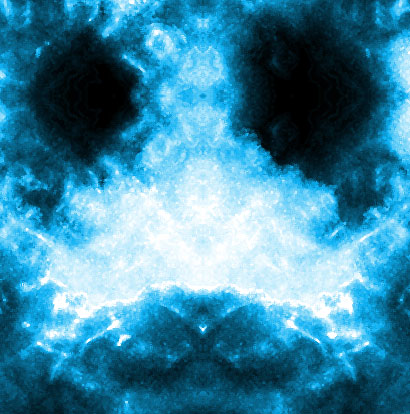
1. Open a document (1200x800)
2. Fill document with black
3. Filter>Render>Clouds
4. Filter>Artistic>Plastic Wrap:
Highlight Strength: 5
Detail: 10
Smoothness: 15
5. Duplicate Layer 1
6. Blending Mode: Overlay
7. Merge Layers (ctrl+E)
8. Duplicate Layer 1 again
9. (on the copy layer) Edit>Transform>Flip Horizontal
10. Blending Mode: Hard Light
11. Merge Layers
12. Duplicate Layer 1
13. (on the copy layer) Edit>Transform>Flip Verticle
14. Blending Mode: Hard Light
15. Merge Layers
16. Duplicate Layer 1
17. Filter>Artistic>Pain Daubs
Brush Size: 1
Sharpness: 2
Brush Type: Sparkle
18. Image>Ajust>Hue/Saturation, click colorize and change the color to what you want! (i suggest Hue: 196 and Saturation: 90)
19. Merge Layers
Hope u liked it!