

Create a new document (I used 125 by 600).
Fill the document with a color of your choice using the paint bucket tool. (right button on the gradient tool)
Use the line tool (U) and draw a vertical line.
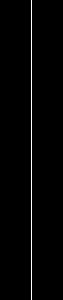
Now apply the wind filter (Filter>Stylize>Window). I used 2x right and then 2x left.
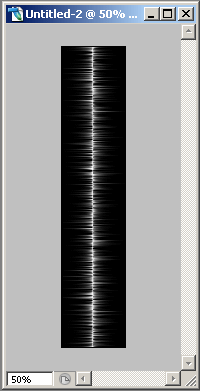
Double click on the line layer to get Layer Style.
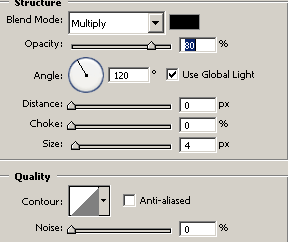
Use the following settings for Inner Shadow:
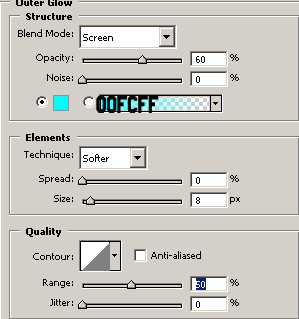
for Outer Glow:
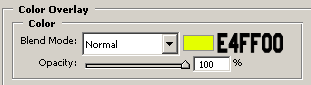
for Color Overlay
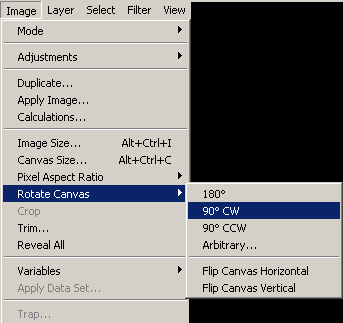
Your radio waves are almost done. Now you have to turn your line layer 90 degrees CW.
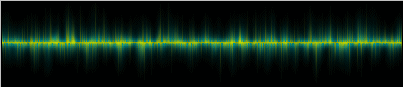
And now you have very nice Radio Waves
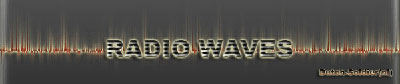
Click to enlarge
