1. Start with a new image.
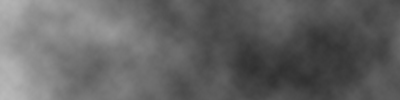
2. Go to Filter> Render> Clouds.
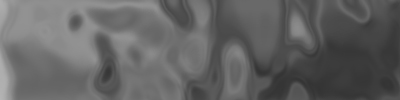
3. Then go to Filter> Sketch>Chrome and keep default settings.
4. Now apply Filter>Artistic>Fresco and keep default settings.

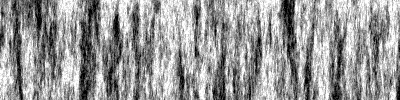
5. Then use Filter>Render>Fibers and change the settings to: Varience-25, Strength-4.0.
And you should end up with something like this: