

1. Make a new document, 500*500 pixels with a white background.
2. Get a 13 px. brush out and drew a star in the middle of the document make it kind of large but from middle out (I made it maroon and gold).
3. Now this is where you have to use a lot of filters.
Filter>Distort>Punch (default settings)
Filter>Distort>Twirl, (Angle: +417)
Fiter>Artisitic>Neon Glow (Glow Size:5;
Glow Brightness: 15 )
Filter>Brush Stoke>Accented Edges (default settings)
Filter>Artistic>Dry Brush (defualt settings)
Filter>Distort>Sphearize
(Amount: 60)
amount=60
Here is my final result:
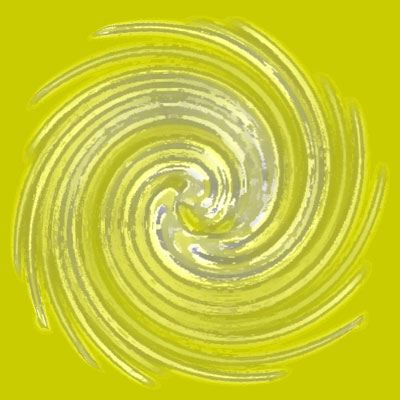
Click to enlarge
