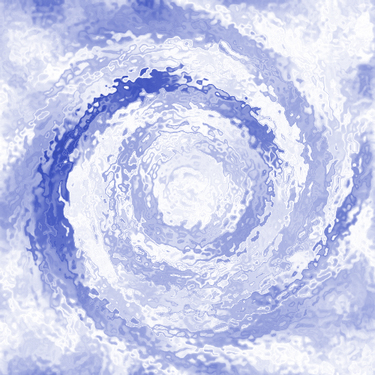
1. Create a new picture. Use dimensions of 500x500 (pixels)
2. Filter>Render>Clouds
3. Filter>Render>Difference Clouds
4. Image>Adjustments>Invert (Ctrl+I)
5. Filter>Distort>Twirl. Set to 658 deg.
6. Filter>Distort>Zig Zag. Set to: Amount 71 Ridges 9 Style Out From Center
7. Filter>Distort>Ocean Ripple. Set to: Ripple Size 8 Ripple Magnitude 10
8. Image>Adjustments>Hue/Saturation. Check the Colorize box. Set to: Hue: 225 Saturation: 50 Lightness: 0
Final Result: