

1. Create a new document 200 x 200 pixels
2. Fill the background black
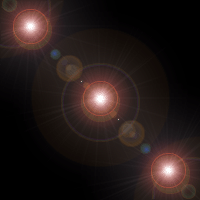
3. Place 3 lens flares (Filter->Render->Lens Flare) Diagonally.
4. Filter->Sketch->Chrome and use the settings Detail 10 Smoothness 5.
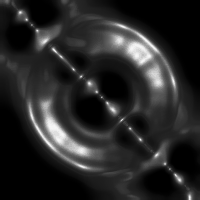
And thats basically it, you can colourize it if you want. (Ctrl+U)
