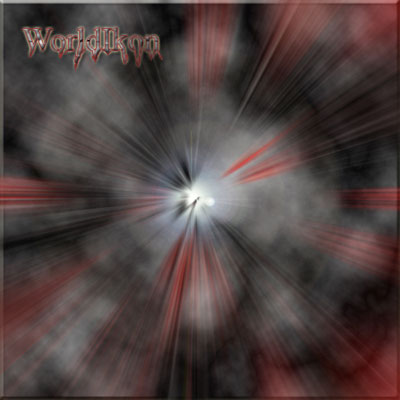
Well its just like post besides I've added a few color textures.
1: Create a new canvas.
2: Press D to set default colors.
3: Filter > Render > Clouds.
4: Filter > Render > Different Clouds.
5: Press F to change the format to see what type of style you want and stop when you are satisfied.
6: Duplicate your layer (Ctrl+J) then go to Filter > Liquify.
7: Then Randomly drag these curly lines from the bottom left corner to the middle (6-12 lines).
8: Now go to Image > Adjustments > Hue/Saturation and tick the Colorize box and choose any color that you think is good.
9: Then grab your Magic Eraser tool (E) and randomly rub out a lot of the section so that the clouds cover most of it with red.
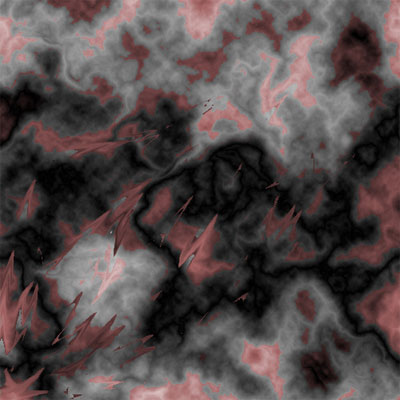
10: Then go to Filter > Pixelate > Mezzotint, choose Grainy Dots.
11: Now go to Filter > Blur > Radial Blur and set 100, zoom and best.
12: That's all - Your Finished