

1. Create a new document, whatever size you choose. Mine is 500 x 500.
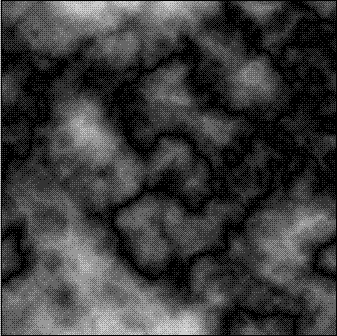
2. Go to Filter > Render > Clouds, then go to Filter > Render > Difference clouds. Keep pressing Ctrl + F until you get one that you like.
3. Go to Filter > Sketch > Chrome. Crank up the Detail and Smoothness all the way up to 10.
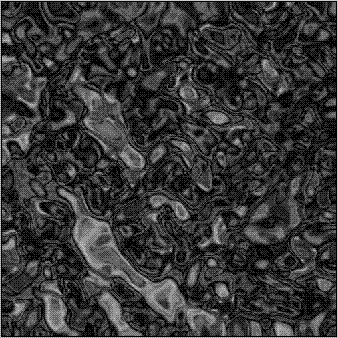
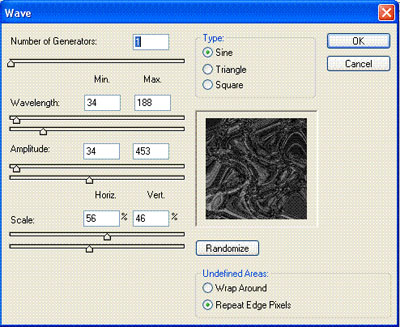
4. Go to Filter > Distort > Wave. Use the settings as shown below.
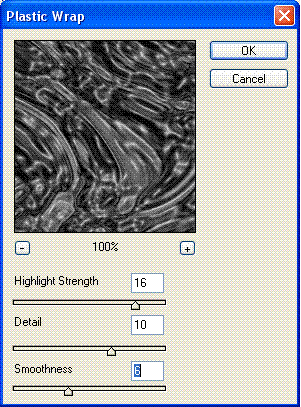
5. Next, go to Filter > Artistic > Plastic Wrap. Use the settings shown below.
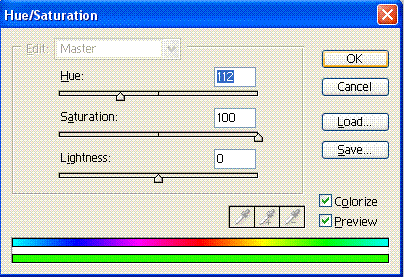
6. Almost done! Pull up the Hue/Saturation box (Ctrl + U). Make sure the "colorize" box is checked, then enter in these values:
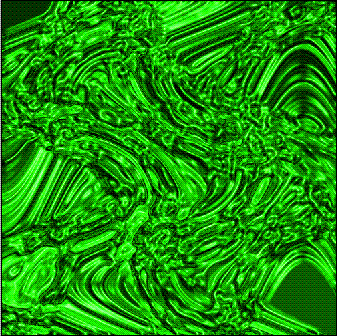
And here is my finished product:
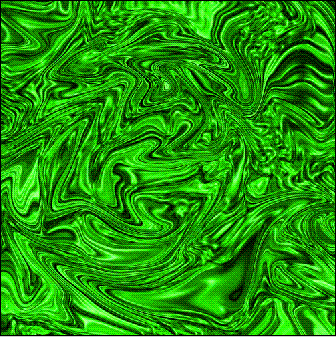
And the finished product when I played around with the Liquify tool (Shift + Ctrl + X):
I hope you enjoyed the tutorial!
