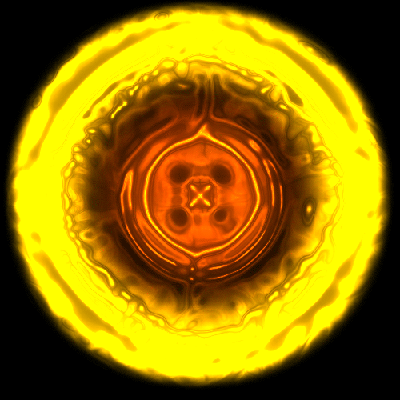
Step 1 Let's get the preliminaries out of the way. Create a new image and fill the background with black. Use the elliptical marquee tool to select a perfect circle (hold down shift) and then create a new layer. Fill the new layer with black and go to filter>noise>add noise. Use amount: 60 distribution: gaussian. Make sure monochromatic is checked.
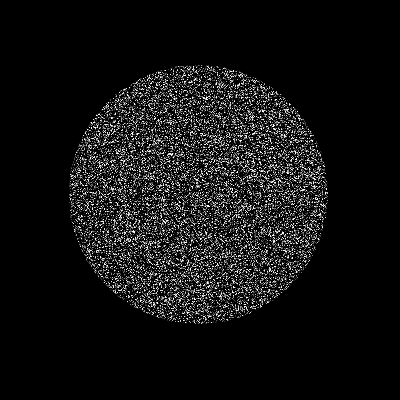
Step 2 With the circle still selected, go to filter>distort>spherize. When that's done hit ctrl-f to repeat the spherize.
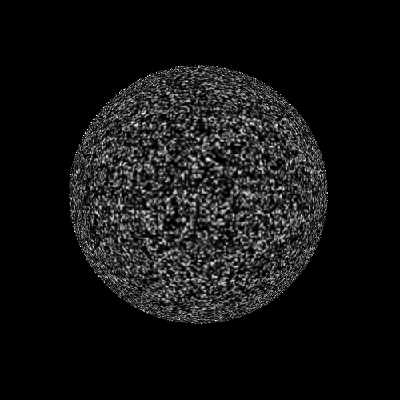
Step 3 Go to image>adjustments>gradient map and use the standard fire gradient as shown below. (fire gradient = black > red > yellow > white)
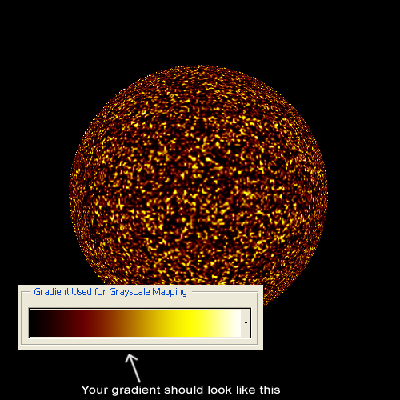
Step 4 Add an outer glow to the circle layer. Make the color an orange/yellow color and adjust the spread and size so that it is fairly prominent.
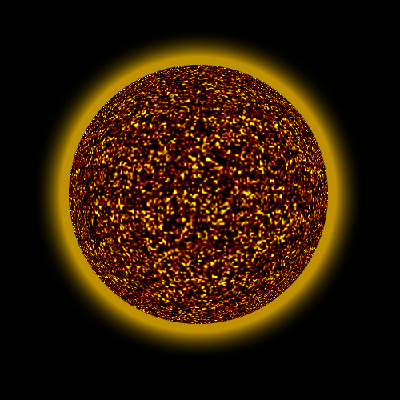
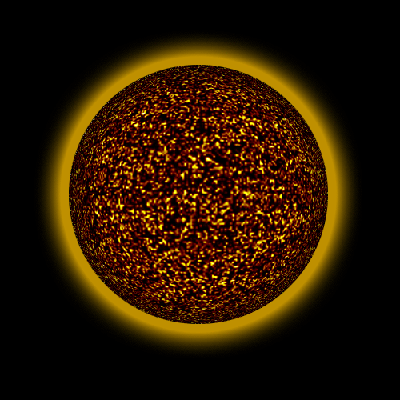
Step 5 Add an inner shadow to the circle layer. Set the distance to 0 and adjust the choke/size so that it gives it a nice even sphere shape. I used 20 for the choke and 45 for the size.
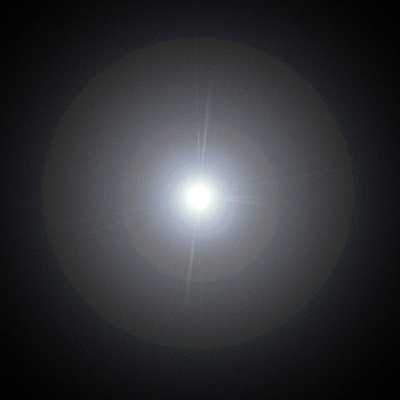
Step 6 Create a new layer and fill it with black. Go to filter>render>lens flare. Use 105mm Prime at about 120% right in the middle.
Step 7 Go to filter>artistic>plastic wrap and use about 15/9/7.
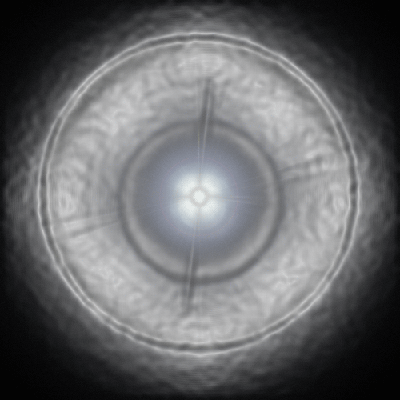
Step 8 Now go to filter>sketch>chrome and use 4/7. It should look something like this now:
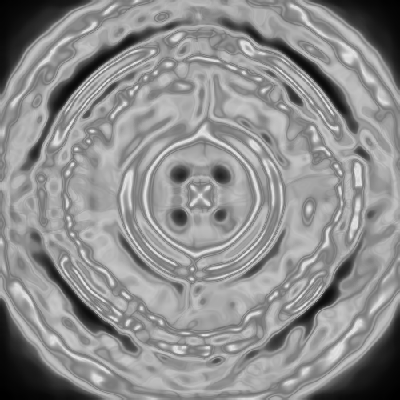
Step 9 Set the blending mode to color dodge. It should give you a nice fiery effect.
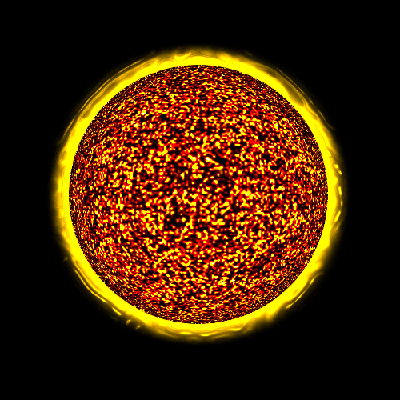
Step 10 Optional step: You can gaussian blur the circle layer for a more abstract effect: