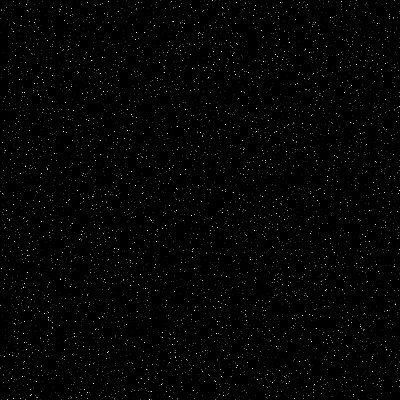
Make new document. Press D to set your colors to default.
Edit>Fill...>With Black.
Filter>Noise>Add Noise.
Add the noise (Filter>Noise>Add noise) at about 30%, Guassain, Monochromatic
CTRL+L (Levels), change the first box to 130
Now make a New Layer (Ctrl+N)
Filter>Noise>Add Noise.
Add the Noise same as above
CTRL+L (Levels) But this time change the first Box to 180
Now set your Blending Mode to Screen
Merge Your Layers Down (Ctrl+E)
Here is my final product: