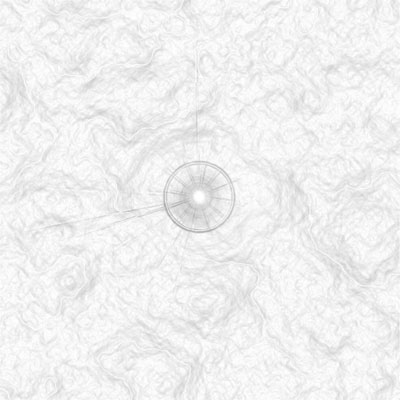
This tutorial creates grunge-ish type of background that can be used for many different purposes and can yeild many different results...
Create a new document 500x500
hit D to reset default colors
1. Filter>Render>Clouds
2. Filter>Render>Difference Clouds
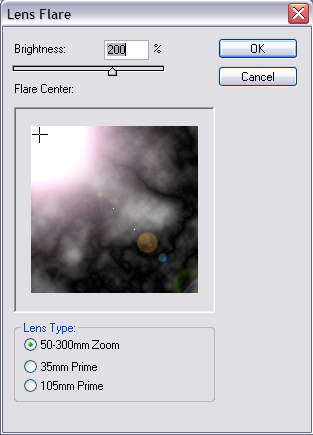
3. Filter>Render>Lens Flare (use these settings)...
4. Ctrl+I (Image>Adjustments>Invert)
5. Ctrl+Shift+U (Image>Adjustments>DeSaturate)
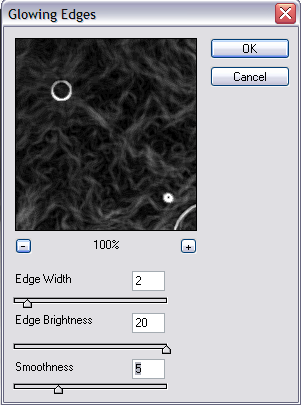
6. Filter>Stylize>Glowing Edges (use these settings)...
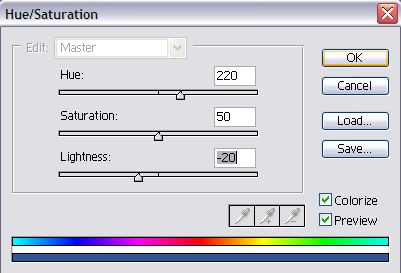
7. Image>Adjustments>Hue/Saturation(use these settings)...
This is my final result:
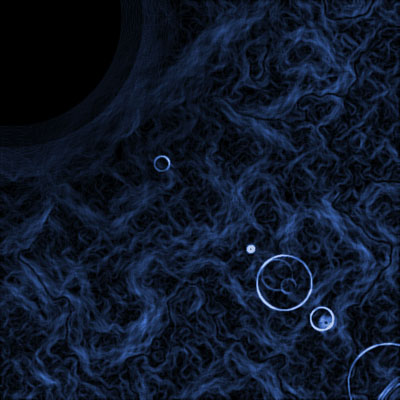
You can also play with the position of the flare, the type of flare, hit find edges instead of glowing edges, the possibilities are endless...
This is one with find edges, and a smaller lens flare: