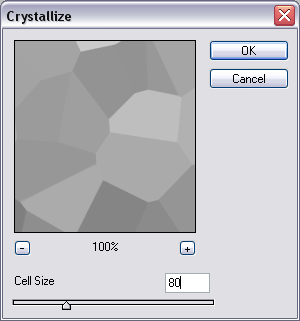
Step 1 Create a new image and set default colors , then render clouds . Go into the crystallize filter and use the above settings.
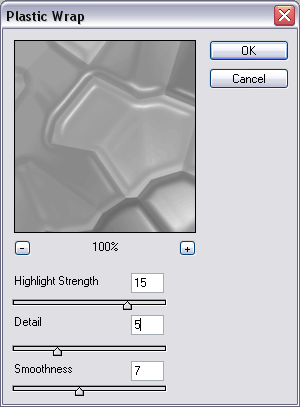
Step 2 Go into the plastic wrap filter and use the above settings.
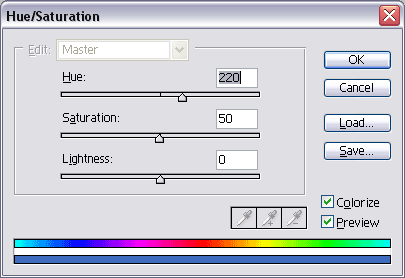
Step 3 Press CTRL+U and check colorize. Use the above settings for a blue (or mess around).
Step 4 Go into the polar coordinates and use the first setting above. Go back into polar coordinates and use the second one (after).
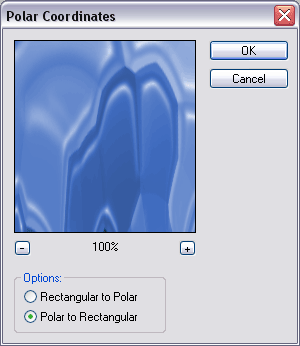
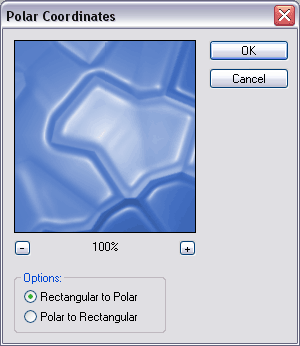
Step 5 (Optional) Adjust the levels to the above settings.
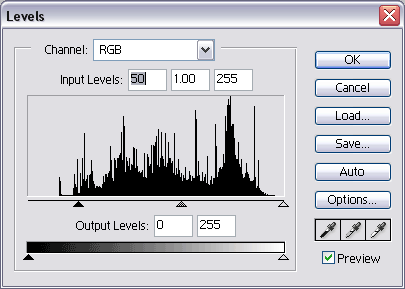
Step 6 Duplicate your layer . On the new layer, go into the twirl filter and use the above settings.
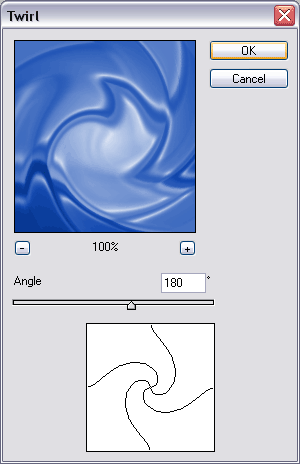
Step 7 Duplicate your layer again, then on the new layer go into the gaussian blur filter and use the above settings.
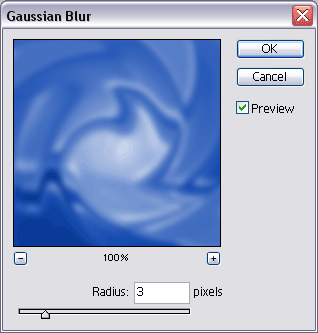
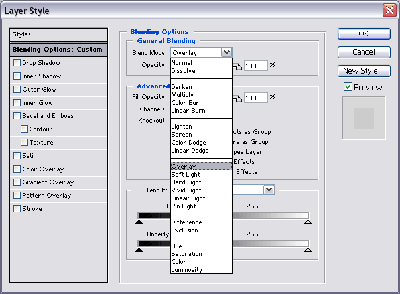
Step 8 Double the current layer (the gaussian blured layer) and use the above blending settings.
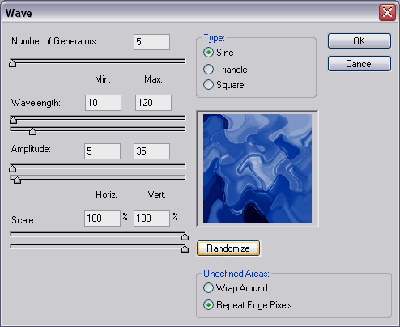
Step 9 Move Layer 1 to the top . On layer one, use the wave filter . Press randomize 5 times and then ok
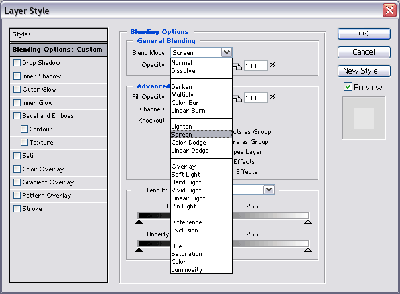
Step 10 Double Click Layer 1 and adjust the blending settings like above.
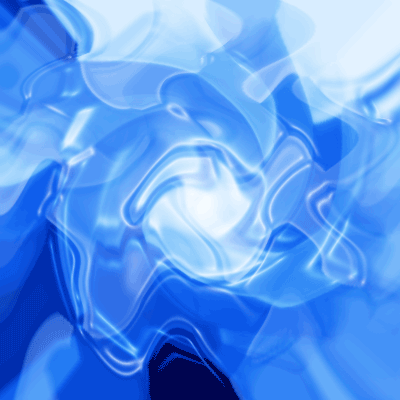
Final Product