


In the holiday spirit, I thought we would create a tutorial for creating extremely easy snow!
Step 1
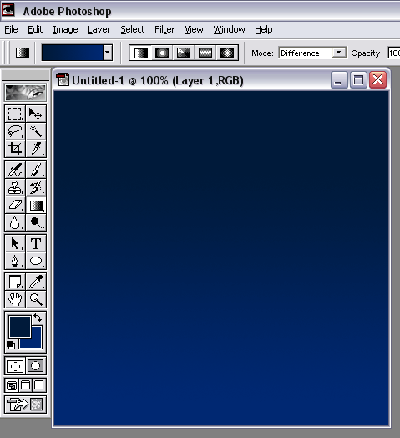
Create a new image with your desired size. I personally added a dark/darker blue gradient effect to mine to create a 'night' effect'.
Step 2
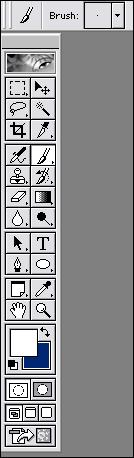
Create a new, blank layer above your original layer. Select the paintbrush tool. Make sure you are are on 1pt Brush
Step 3
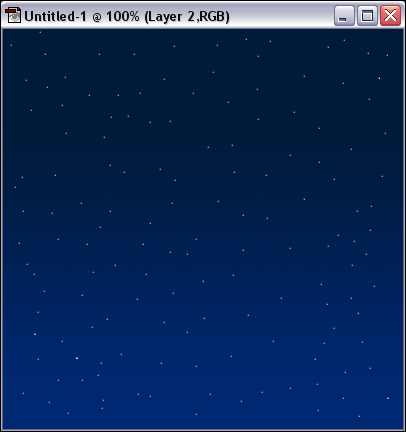
Make little dots all over your image. The more, the merrier!
Step 4
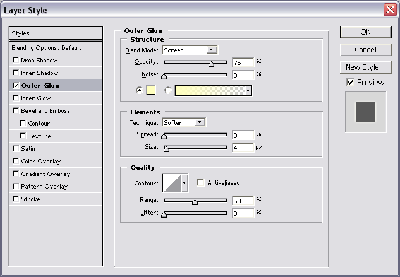
Double click your 'dot' layer to get into the Layer Style. Click the Outer glow effect, apply the above effects.
Final Product
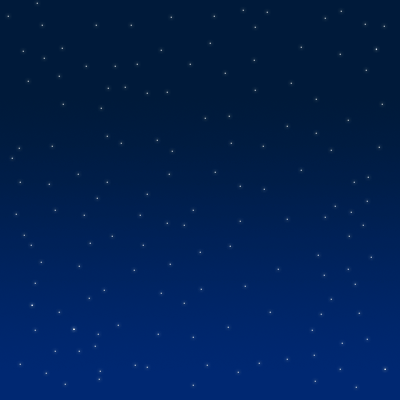
There is your simple snow effect, and as you can see it's quite simple! The miniature snow flakes look almost as if they are illuminated by light - thats my favorite part of it!
