

Learn to create a custom signature for your self to use it on the forums/discussion boards.
Start a new document of size 350x100.
Now press 'd' to reset the colour in Photoshop to it's deafults. Now go to FIlters>Renders>clouds.

Now go to Filters>Render>Lens Flare use the following settings there
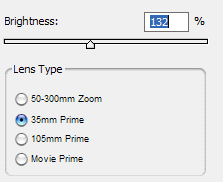
This is what I got.

Now go to Filter>Bruh Strokes>Sumi-e and use the following settings
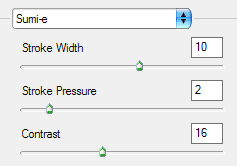
This is what I got after Sumi-e

Now select Filter>stylize>Glowing Edges
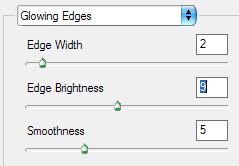
This is what I got.
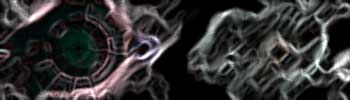
Now open the image that you want to insert into the signature. I chose this one
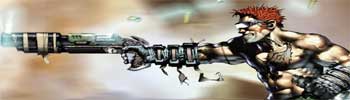
This image has been cropped and resized to match the signature size and is pasted on the new layer. You can get more such images from gamewallpapers.com
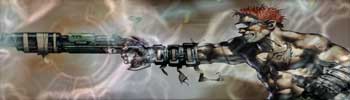
Now let's reduce the opacity to blend the image with the signature background.
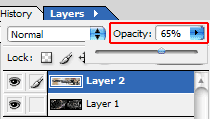
I got this
Now create a new layer and draw a rectangular marquee fill it with this colour #9C4000. Change the field next to opacity on the layer box from normal to color. This is what I got after it.
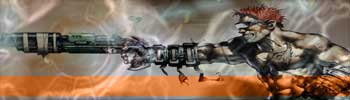
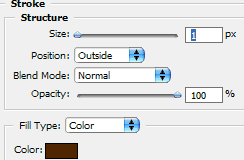
Now select the same layer and add some stroke to it. To add stroke Go to Layer>Layer style>stroke.
This is what I got after adding the stroke effect to it.
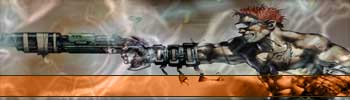
We are almost done now just add some text on the orange bar like your user name or anything.
Here is my final result.

I have added a simple border and scanline effect to make it look this way.
