
Learn to create an illusion image. In this tutorial you will feel as if you are drunk.
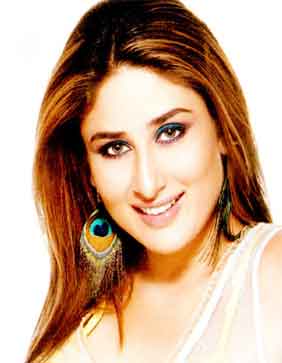
Step 1: Let's learn to create an illusion image that makes you appear as if you are drunk.I have selected this image
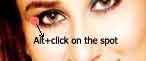
Step 2: Now select the Clone stamp tool (s) (size:19) and Altl (hold the Alt key on the keyboard)+click on the left eye ending.
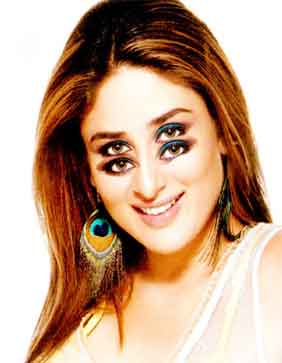
Now release the mouse button and start cloning the eyes on the cheeks. Like this
Step 3: Do the same as in step2 with the lips. Alt+click on the left starting of the lips and draw the lips on the chin.
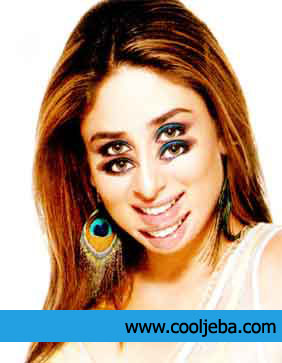
That's it we are done.
Let's see the reason for this illusion. The reason is that your are drunk lol. (note: Do not stare the final image for a longer duration, doing so may lead to a severe headache)
