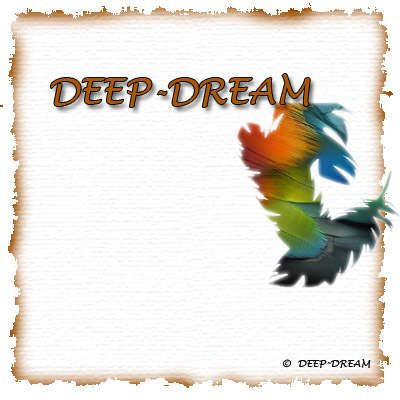
This tutorial teach you how to make a nice looking BURN PAPER.
Step 1
First, Create a new document (Ctrl+N), I used 400x400 pixels, in RGB color. Keep the resolution at 72 dpi. And select BG Contents Transparent Once the new document comes.
Step 2
Make a selection and fill with white colour. And then click Quick Mask (Q).
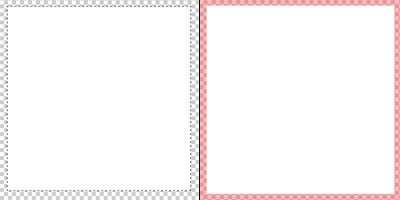
Step 3
Go to Filter -> Brush Strokes -> Spatter ->Spray Radius : 20, Smoothness : 10. Press Q to go back to standard mode.
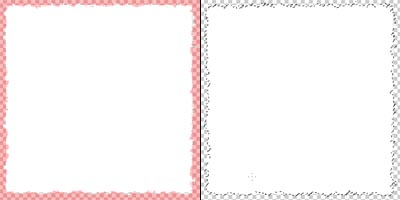
Result 1
Now select the foreground color. I used Light Brown #9A4C00 colour. Ok Now select brush tool (B). And select Soft Round 45 Pixels brush. And start burning around the side of the selection.
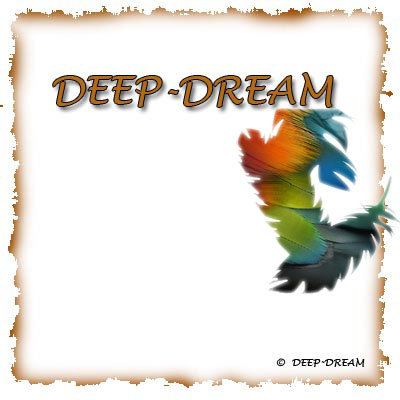
Result 2
Adding Texture. Go to Filter -> Texture -> Texturizer. And i used this setting Texture: Canvas Scaling: 150% Relief: 1 Light: Top