

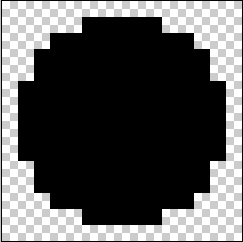
1. New canvas of 15x15, zoom in and select the pentool, take a size of 13px, pick any color (doesn't matter) and set a dot in the middle.
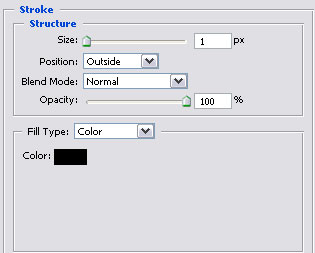
2. Right click the layer to get to the blending options..
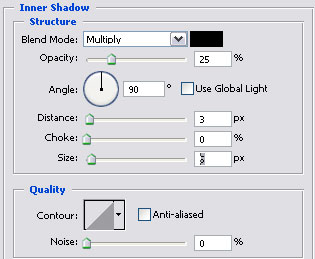
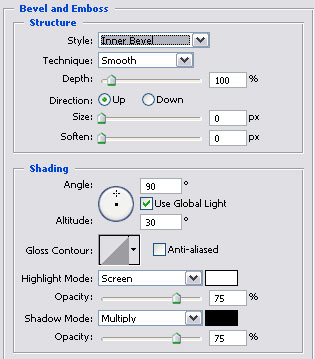
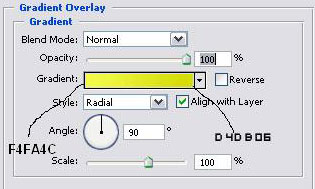
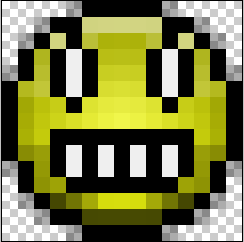
3. Now we have the basis of the smilie and it's even 3D.

4. Create a new layer and label it face, zoom in 1600% again and make a face.
PS. Remember to always save as .gif otherwise it isn't transparent
