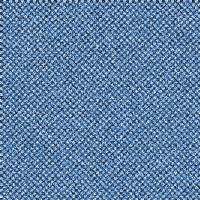
1. Open a new document, any size - fill the background with (#004477) note i used (200x200 for the size)

2. Now click 'Filter' > 'Sketch' > 'Halftone Pattern' and enter these values: (size:1; contrast:5; pattern type:dot).
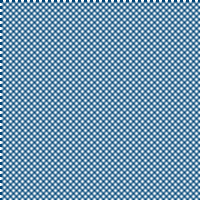
3. Now we use 'grain' to get the 'jean' effect - click 'filter' > 'texture' > 'grain' again.. follow and enter these values: (intensity:100; contrast: 38; grain type: regular).
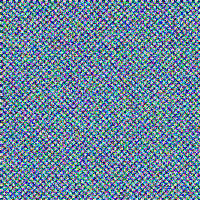
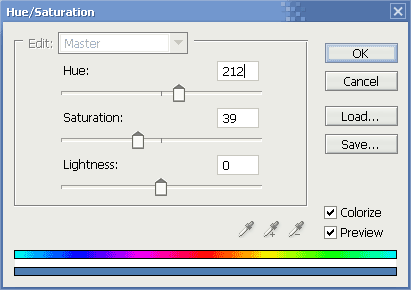
4. Now it all looks not very good, to fix this we use a simple solution of 'hue/saturation' so hold and press 'ctrl + u' enter the following values into the popup window.
5. Our final result: