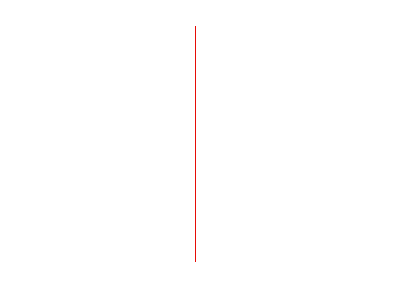
1. Open a new black photoshop document, use a white background. Add a new layer (Press 'Ctrl+Shift+N') now click OK. Pick the pencil tool and a foreground color of your choice - draw a vertical line (best making the line 2-3px thick).
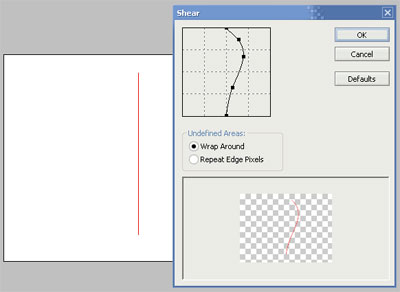
2. Click Filter > Distort > Shear. Click on the vertical line at different positions and drag it right or left to get the desired curvature for the wire.
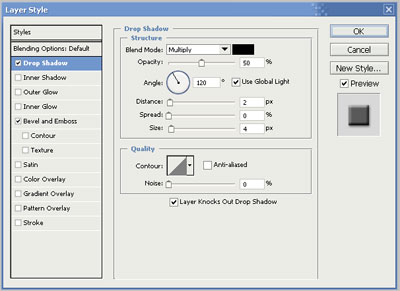
3. Right click on the layer containing the wire and select Blending Options. Tick Bevel and Emboss and then tick and select Drop Shadow. Change the shadow's opacity to 50%, its distance to 2 and its size to 4. Click on OK.
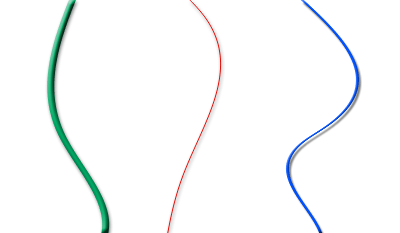
4. In the examples below, i've used different line widths and colors, hope this tutorial helps.