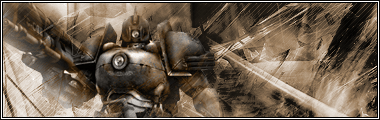
1. Open up a premade background that you wish to blend with the image. This is what I will be using...
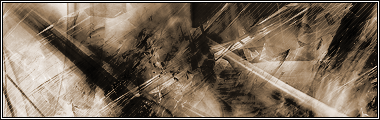
2. Search for a suitable render(image) that you want to blend with your background then insert it. This is what I have so far...
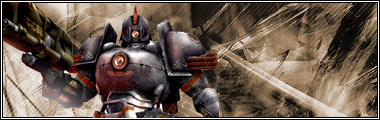
3. Now to begin blending the render(image) you will need to grab the Lasso Tool and set it to the following settings, then out line the render like so...

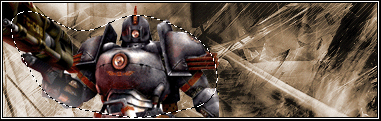
4. To add the layer mask go to Layer > Add layer mask > Reveal selection. It should turn out to something like this...
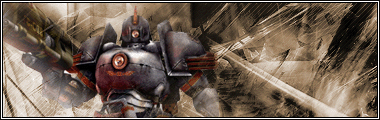
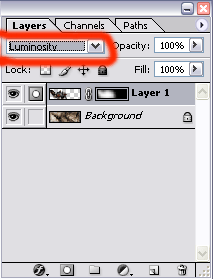
5. Now to make the blended image to have the same color as the background, set the blend mode of the layer to "luminosity" , which is located in the layer box.
And that's it!