

1. Download a grunge brush - Here are some links
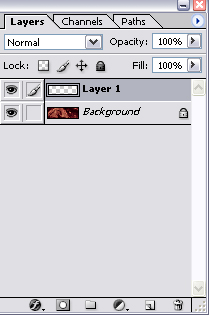
2. Once you have a couple of grunge brushes, create a new layer in photoshop above your original picture
3. Now with a grunge brush, brush where you want this grungy effect with any color you like
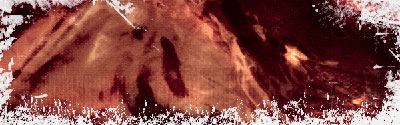
Click to enlarge
4. Once you have your grunge layer that's ready to go, click on the 'Background' layer - then CTRL + CLICK Layer 1 ( this will high light the layer )
Now simply press the delete key on your keyboard
CTRL + D to deselect it and click on the eye icon that's beside Layer 1 ( This will hide the layer )
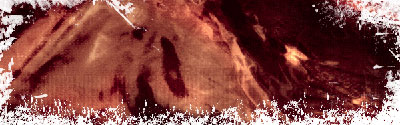
Click to enlarge
