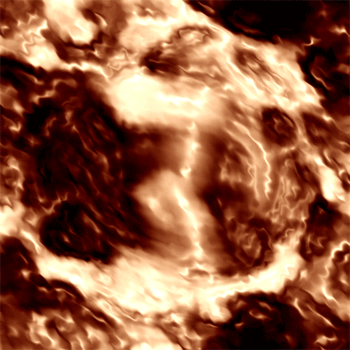
1. Create a 500x500 white document
2. Filter -> Render -> Clouds
3. Filter -> Render -> Difference Clouds ( CTRL + F 15 times )
4. Ctrl + I and then CTRL + L and press auto
5. Filter -> Blur -> Motion Blur - Angle -25 - Distance 27
6. Filter -> Blur -> Gaussian Blur - 2.0 pixels
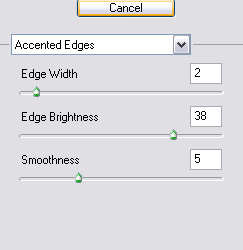
7. Filter -> Brush Strokes -> Accented Edges and use these settings
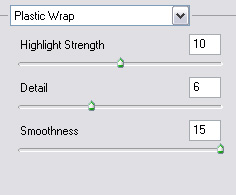
8. Filter -> Artistic -> Plastic Wrap with these settings
9. Filter -> Distort -> Pinch at -31
10. Duplicate the layer and change the blending mode into overlay and Filter -> Distort -> Pinch at -31
11. Filter -> Distort -> Ripple and add a ripple of 100