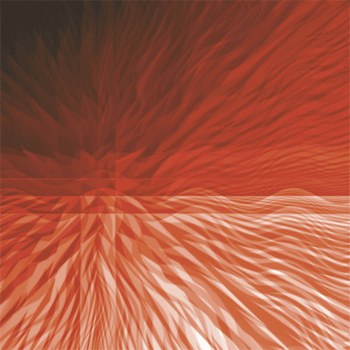
1. Create a new document with the sizes of 600x600
2. Use the gradient tool and use these options

Click to enlarge
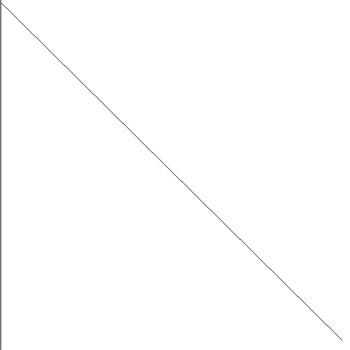
3. Make the gradient like the picture below
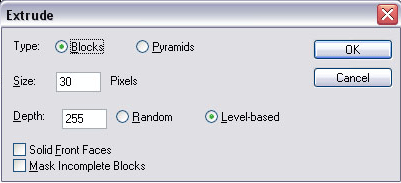
4. Filter -> Stylize -> Extrude and use these settings
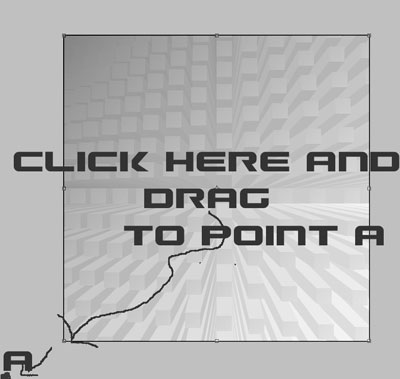
5. Edit -> Transform -> Distort , on the bottom left where the square is click there and drag it to bottom left of your screen like below
5. Now do the same thing as step 4, but for the Type put it on Pyramids
6. For layer 1, pick a color and for Layer 2, pick another color and change the first layer's blending mode into Luminosity with the opacity of 50.
7. I repeated step 6, but I changed the blending mode into Linear Burn.
8. On layer 2, Filter -> Blur -> Gaussian Blur - 2.0