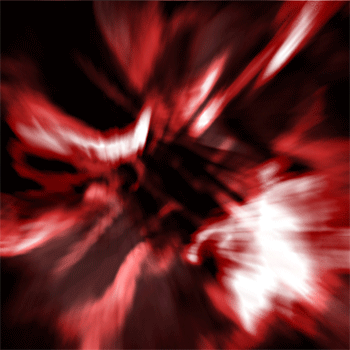
1. Make a 600x600 White Document
2. Filter -> Render -> Clouds
3. Filter -> Render -> Difference Clouds
4. Filter -> Liquify and use these settings and try to make a design like this.
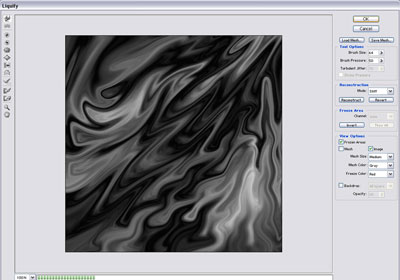
Click to enlarge
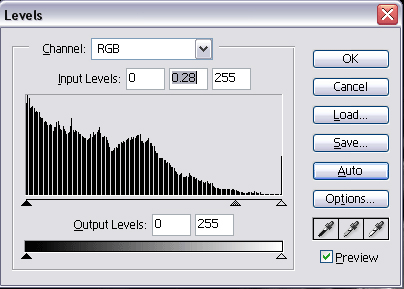
5. CTRL + L click on Auto and use these settings
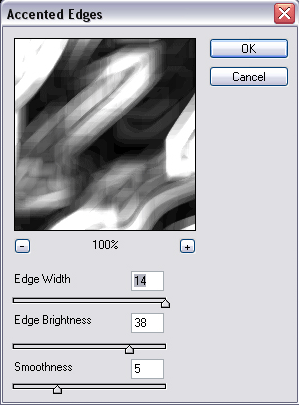
6. Filter -> Brush Strokes -> Accented Edges
7. Filter -> Distort -> Ripple do it around 2-3 times
8. Filter -> Distort -> Pinch at 100%
9. Filter -> Blur -> Radial Blur with these settings
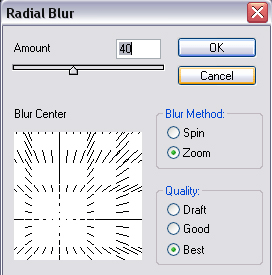
10. Duplicate the layer, and go to Edit -> Transform Rotate 90 CW and change the blending mode into overlay