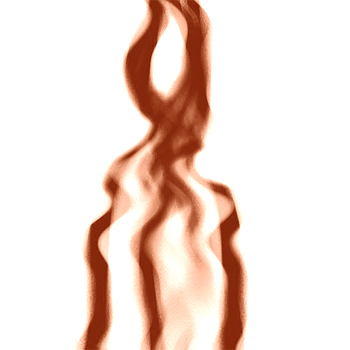
1. Create a white background picture
2. Create a new layer and Grab the Rectangular Marquee and make a long thin rectangle going horizontal down your image and fill it with black
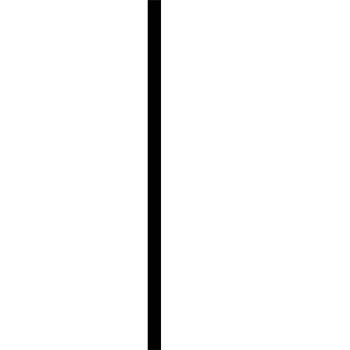
3. Now Duplicate that and with the duplicated layer goto
Filter -> Blur -> Gaussian Blur with Blur of 3.0
4. Then merge linked the 2 layers with the rectangle box to one layer
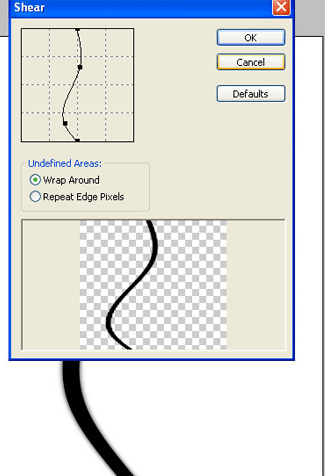
5. Now go to Filter->Distort->Shear and make 2 points however you like the best
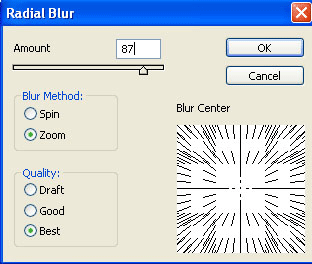
6. Then go to Filter->Blur->RadialBlur with:zoom quality:best percent:87
7. Now do what you need be creative, keep in mind you can duplicate,rotate,resize,different color, etc.
8. If you want to change color go hold Ctrl+u and put saturation at 50 and brightness at 50 , and mess with the hue for your color
9. When you rotate remember to hold Shift while you rotate,to get the best angles.
10. Also you can shear more or make new ones and put them together
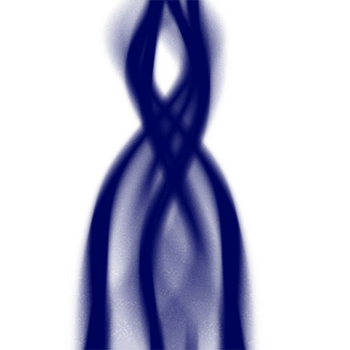
11. Duplicate the layer and goto wave and use the default settings but, Number Of Generators at 2 and changet he duplicated blending mode into Soft Light