1. Create a 500x500 white document
2. Choose the gradient tool and use these settings

Click to enlarge
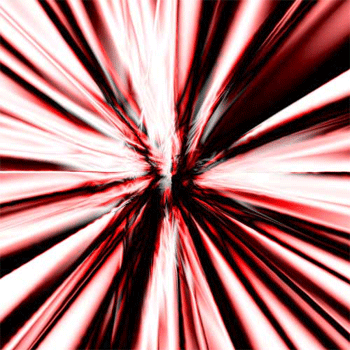
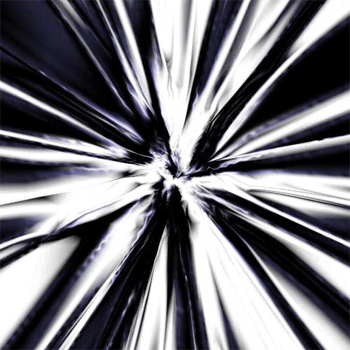
3. Go nuts and make a picture like this, to create this hold and drag it in the middle section of your picture, draw it around 5cm of your screen in circles and you should have something like this
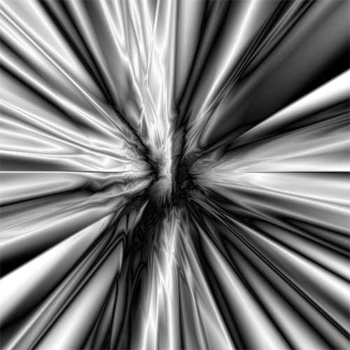
4. Duplicate the layer, go to Filter -> Distort -> Twirl and choose 65
5. Filter -> Distort -> Pinch at 100%
6. Filter -> Distort -> Ripple at Medium 50
7. Change the layers blending mode into 'overlay' and Ctrl + L change the second box to ' Input Levels ' to 0.52
8. Do the same for layer 1 and if it doesn't turn out to good, Ctrl + I and it might look better