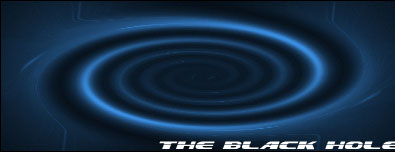
In this tutorial, I just want to show how I have drawn a Black hole. I used a document of 400 x 150 px with transparent background.

First take the paint bucket tool(G) and fill the background with Black color. Then go to:
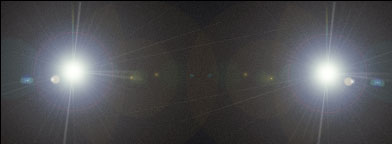
1. Filter->Render->Lens Flare [Add a lens flare of 105 mm Prime & 100% Brightness to the right and then another to the left]
2. Filter->Distort->Twirl [Add a twirl of angle 999 degree]
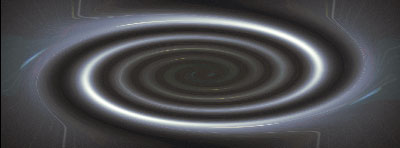
3. Filter->Artistic->Neon Glow [Add a neon glow of color #FFFFFF; Glow size: 15 and Glow Brightness 35]

And now you are done. I just added some text to it. You can use it as a signature also.