

1. Open up a 6x6 pixel picture and make a design like this - Edit -> Define Pattern - and save it

2. Open up a 500x500 picture and go to Edit -> Fill and choose your pattern
3. Filter -> Sketch -> Reticulation
4. Filter -> Render -> Difference Clouds and then CTRL + I
5. Filter -> Distort -> Twirl at 150 - CTRL + U change the color around and if you want CTRL + L and move the bar to the right for a darker look
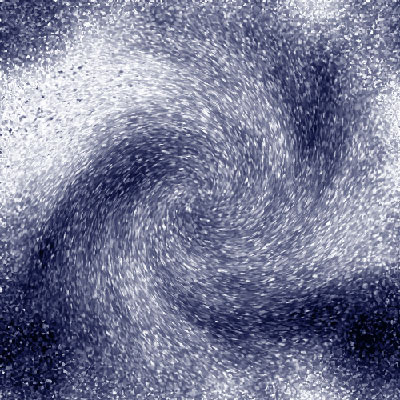
Click to enlarge
