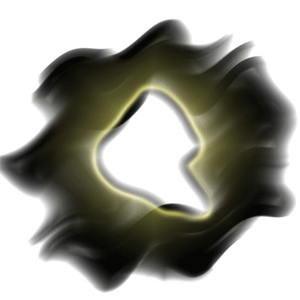
1. Create a 500x500 white document
2. Use the rectangular marquee tool and draw a rectangle like this with 20 pixel black stroke
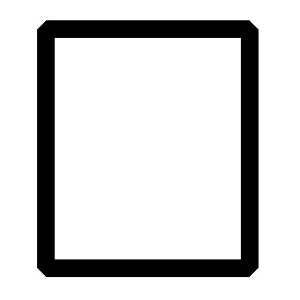
3. Duplicate the layer and go to Edit -> Transform -> Rotate 90 CW - If there's no space showing between the two rectangles, CTRL + T and stretch it so there's some white space between them
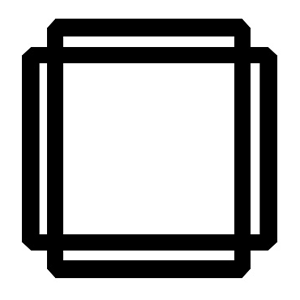
4. Duplicate the layer again, CTRL + T and move it around so you get something like this
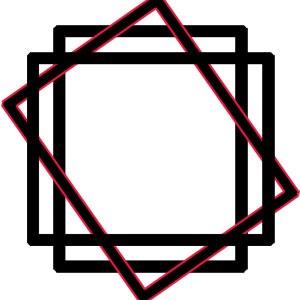
5. Now duplicate that again and do it for the other side
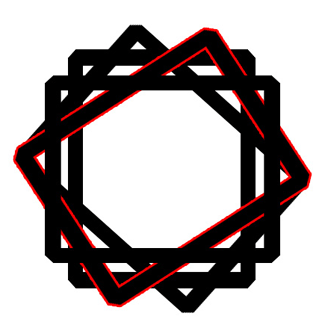
6. Merge all the layers together and go to Filter -> Distort -> Wave use the default settings but change ' Number of Generators ' to 1
7. Filter -> Blur -> Motion Blur -> Angle : 25 Distance : 100
8. Duplicate the layer three times and merge all of them together
9. Filter -> Distort -> Wave with the same settings before
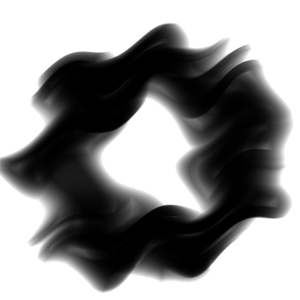
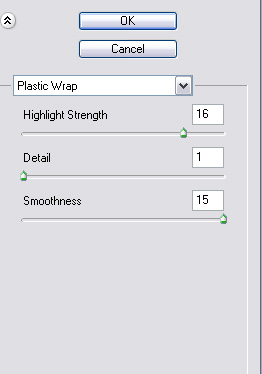
10. Filter -> Artistic -> Plastic Wrap with these settings
11. Ctrl + U and change the color and you're done!