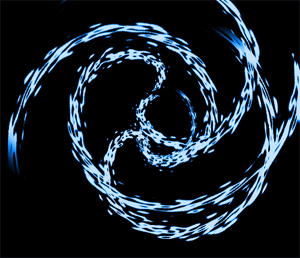
1. Create a 500x500 document with black as the background
2. Make a new layer and get a brush size about 20, color of white, and draw a line going diagonal from the top left corner to the bottom right corner

3. Now go to Filter -> Distort > Ripple with 999 with medium
4. Then go to Filter -> Distort -> Polar Coordinates -> Rectangular To Polar
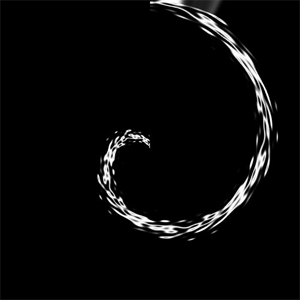
5. Now duplicate that layer as many times as you want and rotate it, or move it around until you get what you want
6. I made them rotated and scaled some through edit>transform
7. Now press ctrl+u and use your favorite color and make sure your saturation is up full