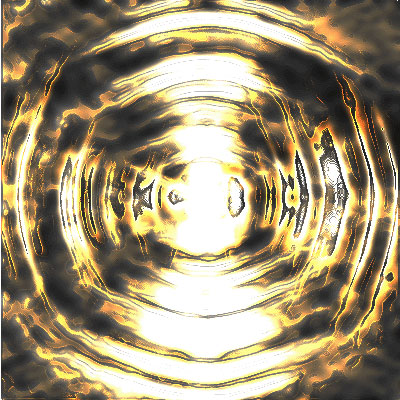
Start with a document 400X400 px, add some fibers so you'll get something like this.
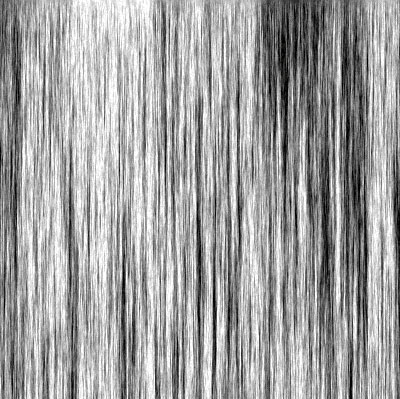
Then add some motion, put the direction at 90 degrees and the distance to 100.
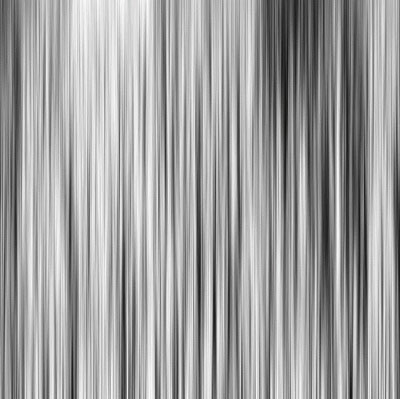
Then add some radial blur with an amount of 50 and pick spin
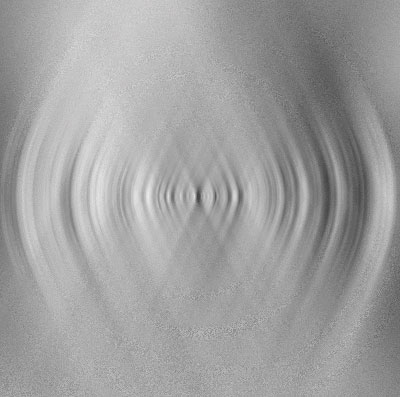
Then go to filter > stylize > glowing.
Edges:
edges width is 7;
edges brightness 16;
smoothness 5.
Then sharpen it 2 times and duplicate it the duplicated must be changed color.
Go to adjustments > hue saturation. Put hue to 40 and saturation to 100. then put that layer on color dodge. You'll get this
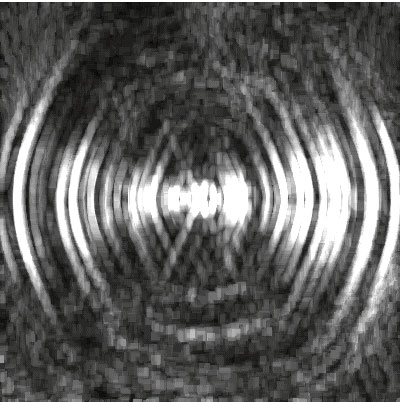
Then add some motion on both layers. You'll get this
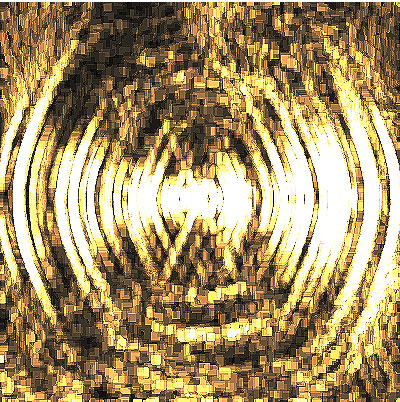
Then copy this image in an other document 400x400 px.
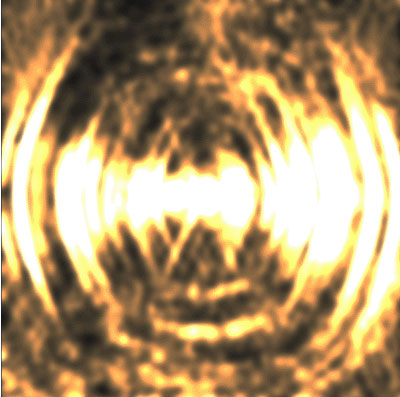
So you can rotate your image 90 degrees and your image will look like this
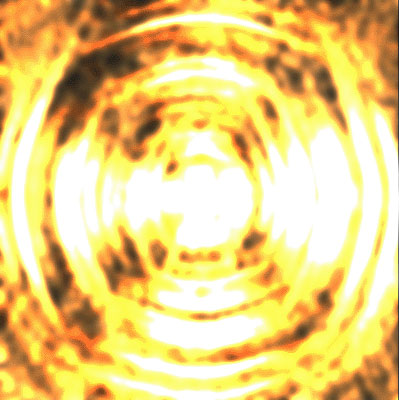
Now give it inked outlines so it will be a nice electric explosion