1. New document (i used 430 x 130 & i filled with black for tutorial purpose) or open your image.
2. Type your text. ( i used a size of 30)

3. Layer > Rasterize > Layer
4. Image > Rotate Canvas > 90CW
5. Filter > Stylize > Wind
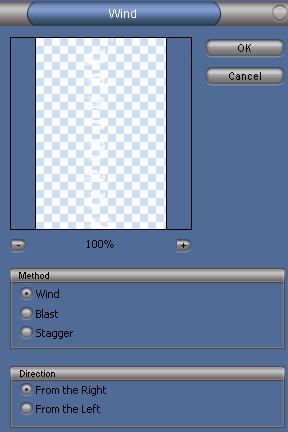
6. Filter > Stylize > Wind
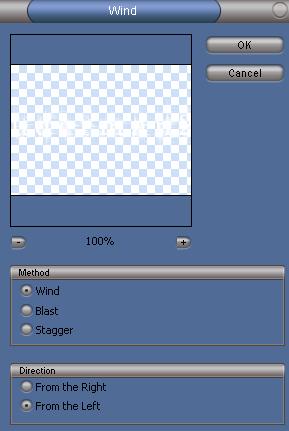
7. Image > Rotate Canvas > 90CCW
My Final: