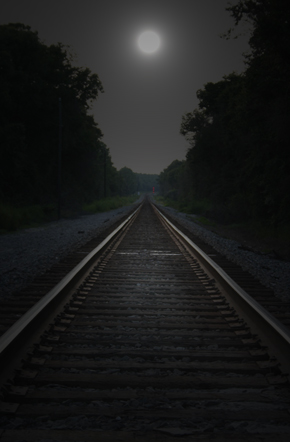
1. Open your image.
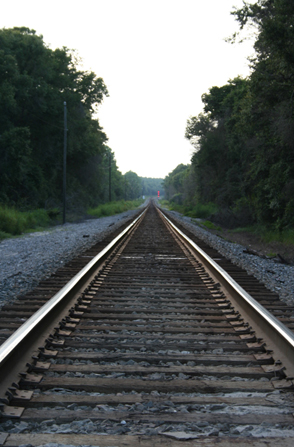
2. Duplicate the layer.
3. Filter > Render > Lighting Effects.
Now first lets make our moon. For the image i'm using i'm going to place i up in the middle of the sky.
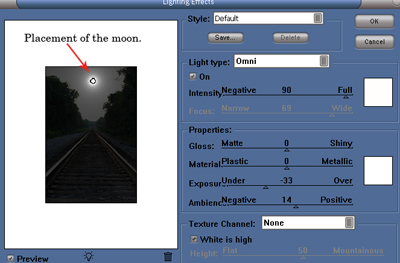
Click to enlarge
4. Filter > Render > Lighting Effects.
Now lets create our moon light reflection.
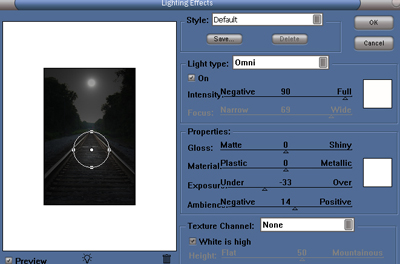
Click to enlarge
You can adjust the the settings or size to your needs.There you go now you made a custom moon with a moonlight reflection.
Final Image: