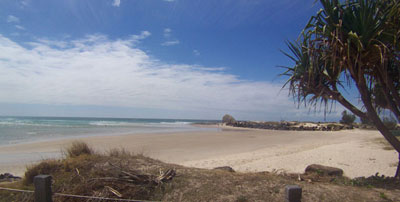
1. Open your image. I will use this one.
2.Create a new layer.
3. Select your gradient tool.Now we will have to load the special effects gradients.
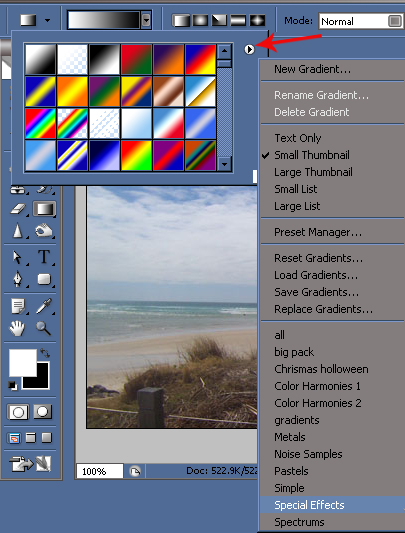
Once you have those loaded make your gradient options like this.

4. Now you'll want to click and drag to get the rainbow to get it placed where you want it.
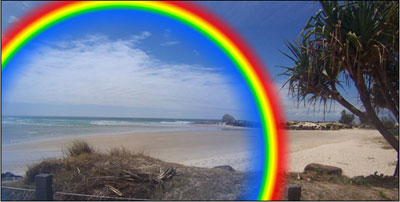
Set the blending mode to screen.
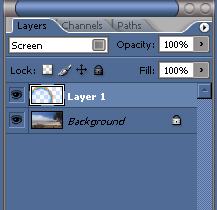
5. Now add a layer mask.
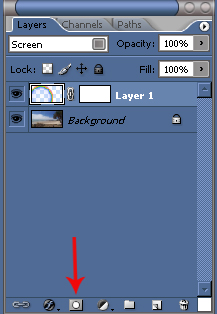
6. Next go back to your gradient tool and select the colors black to white.
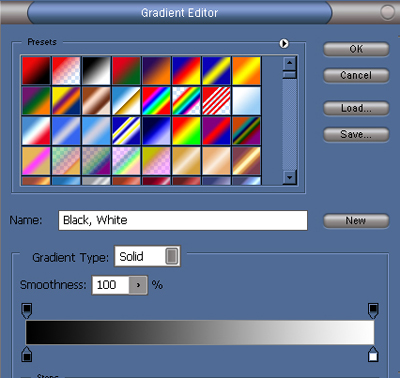
Also change to Linear gradient.

7.With strokes of the gradient you can fade out parts of the rainbow that you don't want shown. If your not happy with the degree of fading you can drag the gradient again. Each drag of the gradient overrides the previous one. That's it you've now got a custom rainbow in your image.
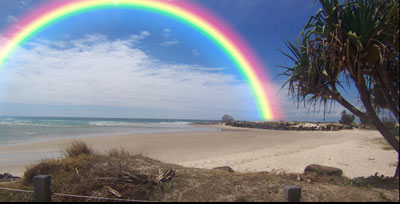
Tip: If the rainbow is still to strong you can adjust the opacity to lower the visibility.
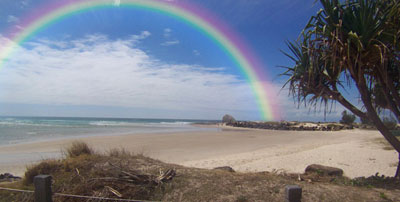
Final Image: