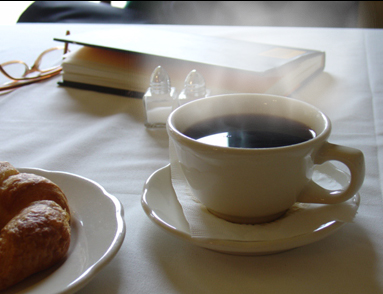
This is not as had as you may think, We'll first make some steam, so lets get started.
1. Open your image.
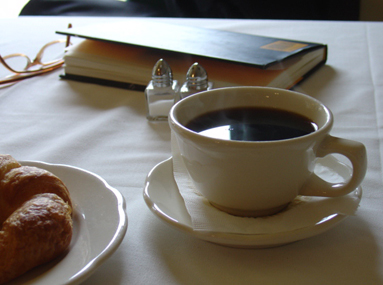
2. Make a new layer.
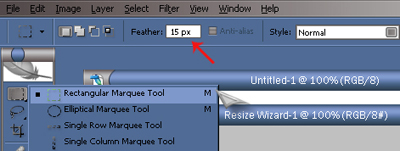
3. Get your rectangle marquee tool and use a feather of 15px.
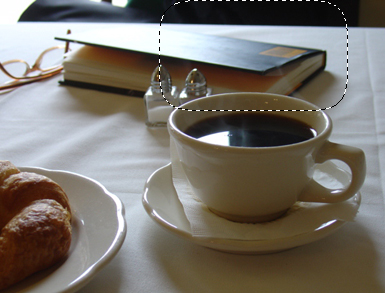
Select an area where you want the steam.
4. Set you colors Foreground = 8f8f8f & background = ffffff
5. Now go to Filter > Render > Clouds
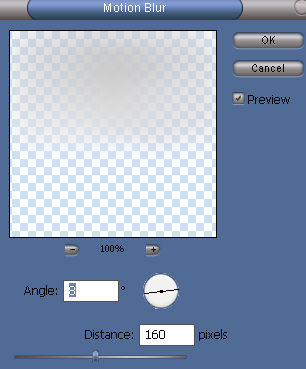
6. Filter > Blur > Motion Blur
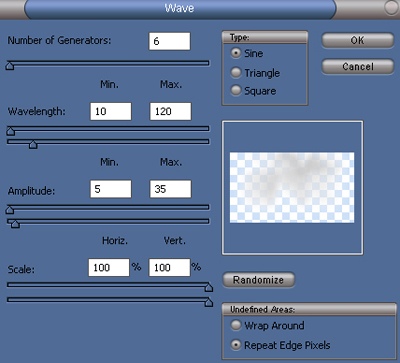
7. Filter > Distort > Wave
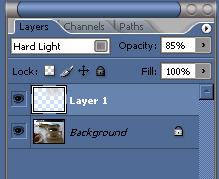
8. Set the layer to Hard Light and change the opacity to 85%.
9. Duplicate the layer.
10. Edit > Transform > Flip Horizontal. Ctrl + D to deselect.
Now that's steam!
Final Image: