

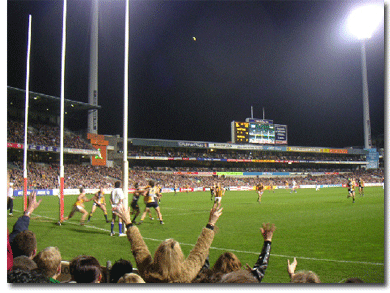
Open the image you want to add the effect to. Mine is this:
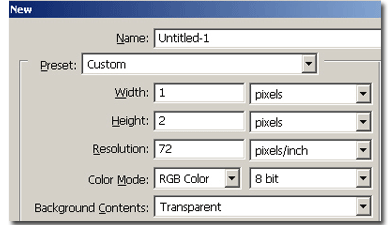
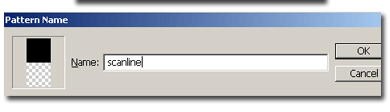
Now make a new document, transparent background, 1×2 pixels. Fill with black a pixel then go to Edit > Define pattern and call it whatever you want.

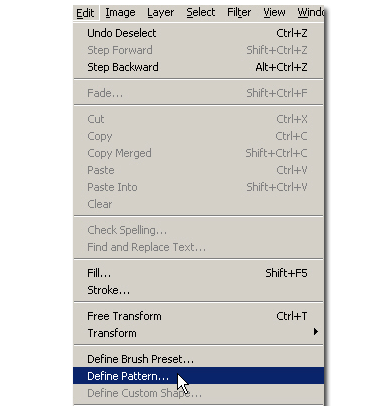
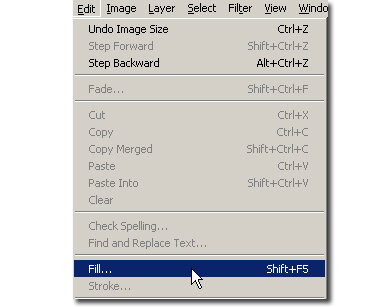
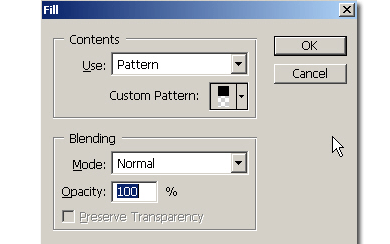
Now close the pattern document and go to the image. Go to Edit > Fill And fill the image with the pattern you created. Now you're done.
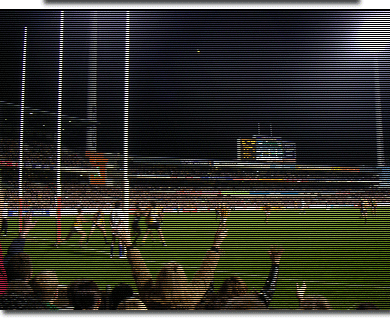
This is used for making the effect for TV.

