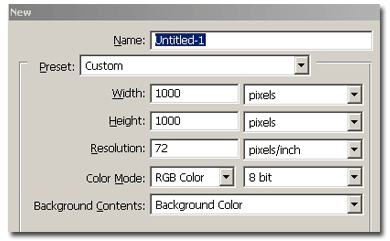
Make a new document, 1000x1000 pixels, white background
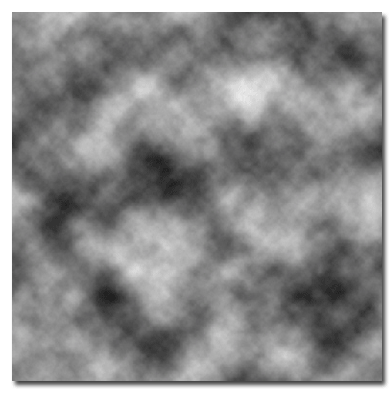
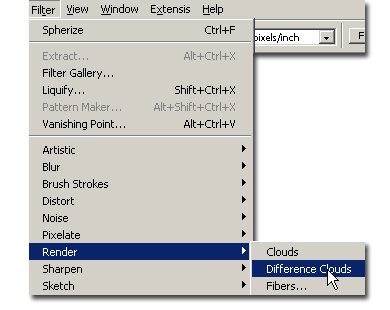
Apply a Filter > Render > Clouds
Go to the Channel tab and make a new channel.
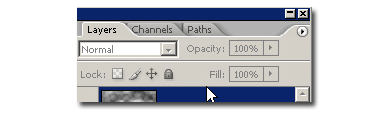
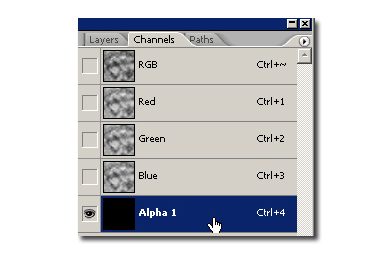
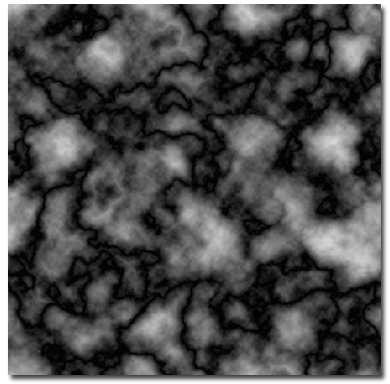
Go to Filter > Render > Difference Clouds. Now Repeat it 2-3 times after more. Your image should look like this:
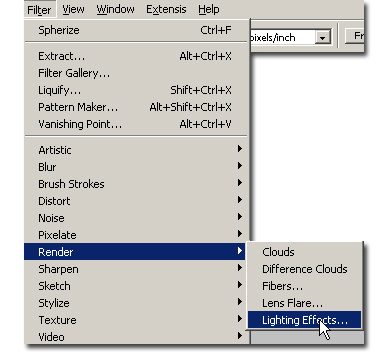
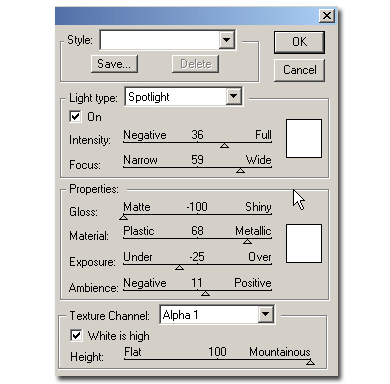
Go back to your layer and do choose Filter > Render > Lighting effect and use these settings: Light type: Spotlight, Intensity 36, Focus 59, Gloss -100, Material 68, Exposure -25, Ambience 11, Texture channel Alpha1, Height 100.
Your image will look like this:
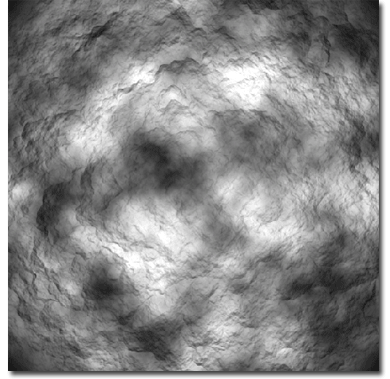
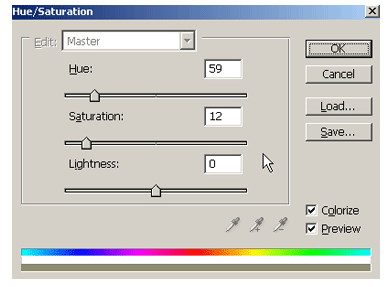
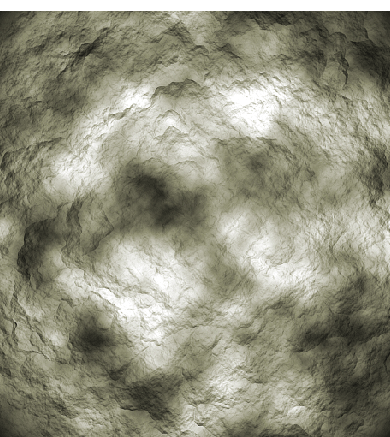
Play a little with Hue/Saturation as I did. Your final image will look like this: