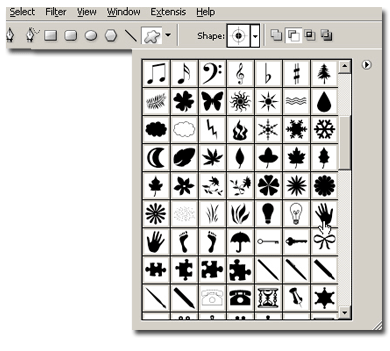
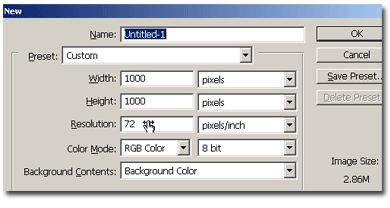
Make a new document, 1000x1000 pixels, white background.
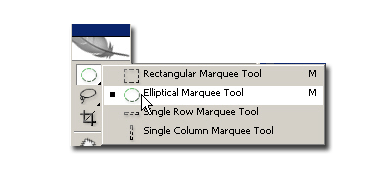
On a new layer, with the elliptical marquee tool, draw a yellow circle. Double click on the layer to bring up the layer style dialogue and check Stroke, 2 pixels (for my image).
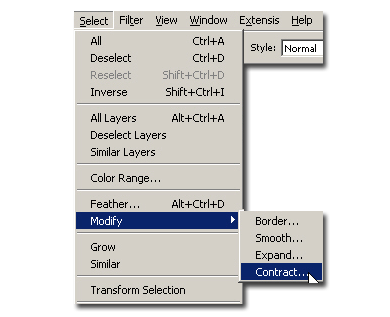
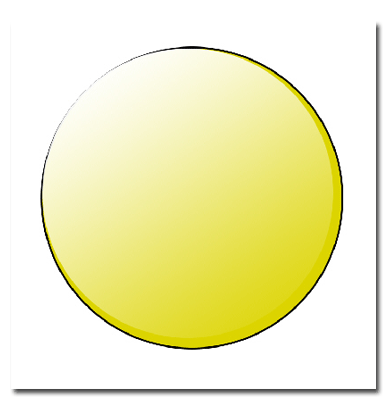
CTRL+click on the thumbnail of the circle to see the selection. Contract the selection with 5-6 pixels and on a new layer make a gradient from White to transparent. Your image should look like this:
Now let's add the mouth, eyes and eyebrows. These I made with the lasso tool. It will be a little time for you to do it right, but keep practicing.



Your smiley it's done. You can go further with your imagination, as I did: