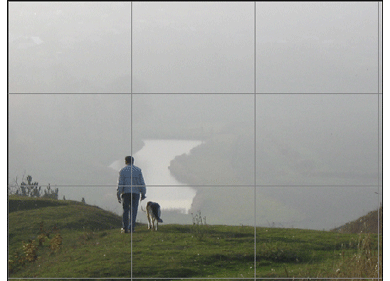
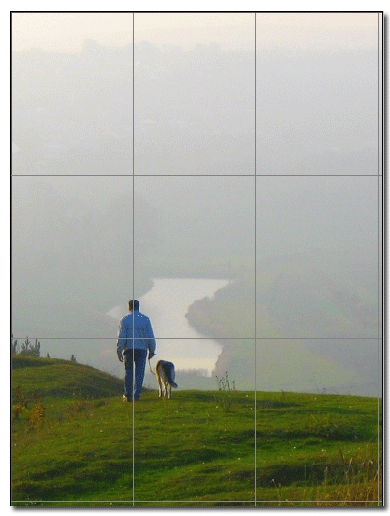
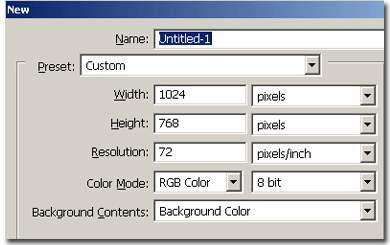
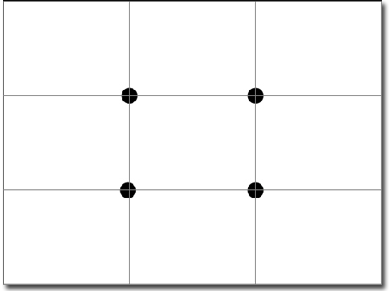
This tutorial is more of one related to composition than to a specific technique. The Rule of Thirds is a principle of composition used for centuries by artists and photographers. The underlying principle is really very easy to understand and use. In photography, using this The Rule of Thirds keeps the main subject off center, away from the middle of the frame. As a result, a photo looks more dynamic and interesting. The Rule of Thirds envisions two horizontal and two vertical lines trisecting an image with four intersecting points. You place your main subject where the lines intersect rather than centered in the frame. For example, placing the horizon on an upper or lower line helps create a well-composed landscape photo. For portraits, placing person where lines intersect vertically produces a more compelling photo. Now, to use the rule of the thirds, you need to know what resolution you want the image. I've chosen 1024x768. So create a new document with these values.
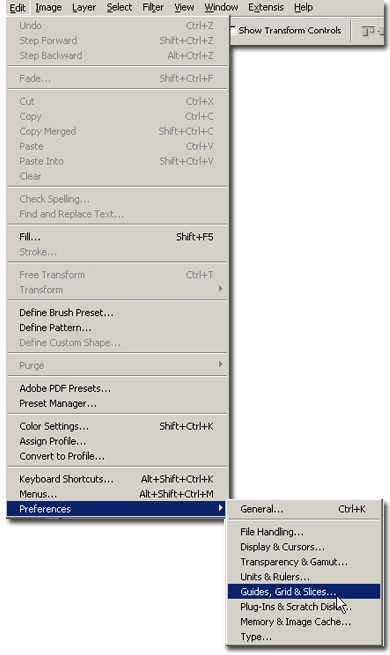
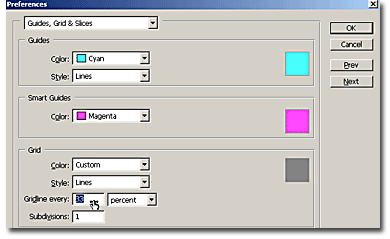
Now let's create a grid to help us see the main focus points better. Go to Edit > Preferences > Guides,Grid & Slices.
In the menu, because we want the canvas divided in 3, we will ask Photoshop to put a Grid line every 33% of the canvas
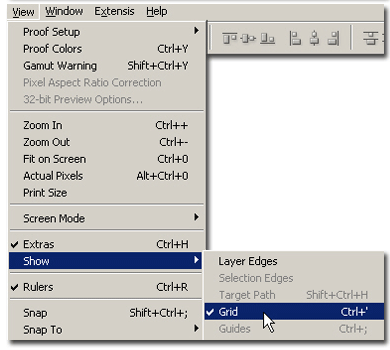
You'll have something like this: (if you don't see the grid lines, go to View > Show > Grid).

Now observe that the black dots I added there are your main focus points. So don't put your main subject in the center. This is the trick you would have to use when shooting with your camera, but if you don't have the time to do that, you'll crop your image using this technique.
Now open your image. Observe that I didn't have the time to use this rule when I shot this photo. The main subject is in the very center of the photo. Now double click the background layer to make it a simple layer. Drag the photo layer in the other document you prepared.
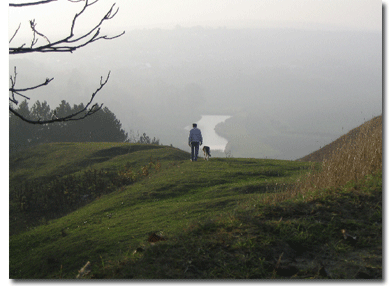
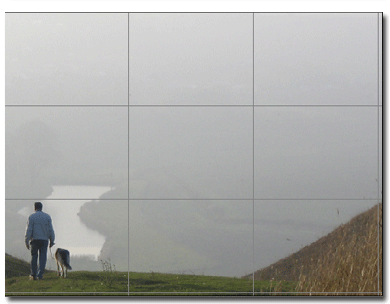
Now scale or position the photo to bring the subject to your interest focus points, like me.