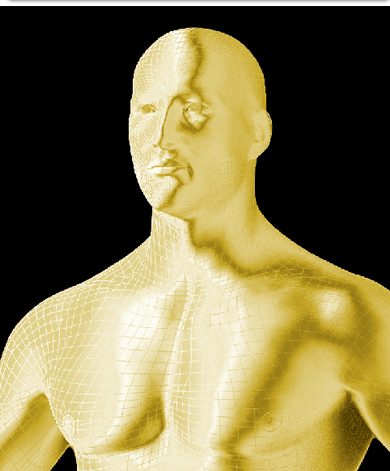
Open the image you want to goldify. Mine is a 3D render human person.
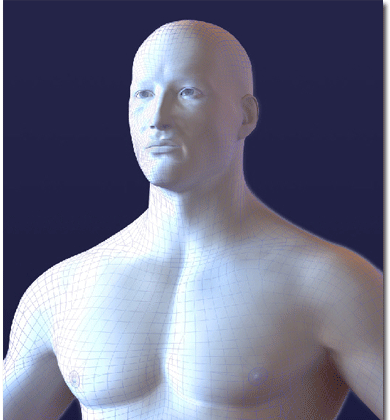
With magic wand I selected all the zones you don't want and delete them.
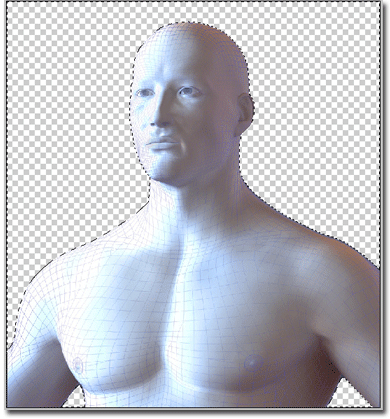
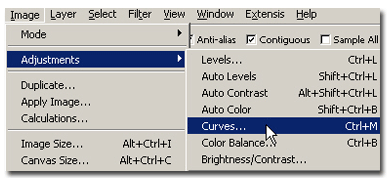
Now go to Image > Adjustments > Curves
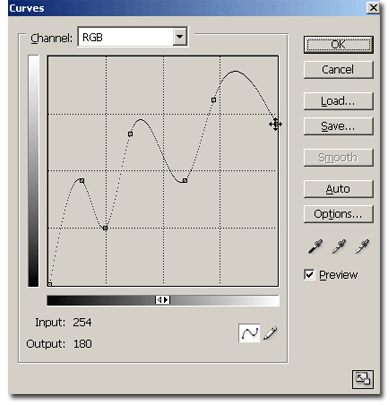
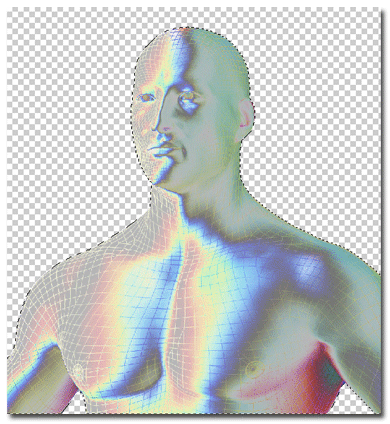
Make a curve like in my example. Your image should look like mine:
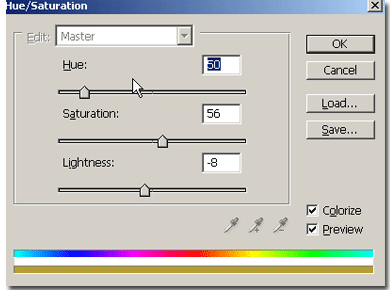
Now press CTRL+U to bring up the Hue/Saturation menu. Check "Colorize" and set these values: Hue: 50, Saturation: 56, Lightness: -8. You're done: