Make a new layer, 1000x1000 pixels. Give it a brown color. I used #b59048
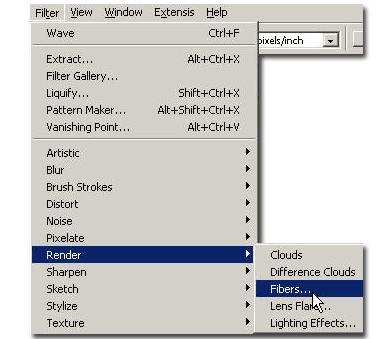
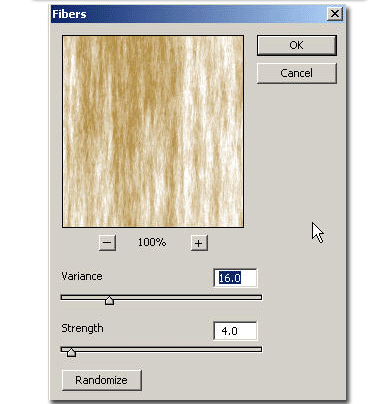
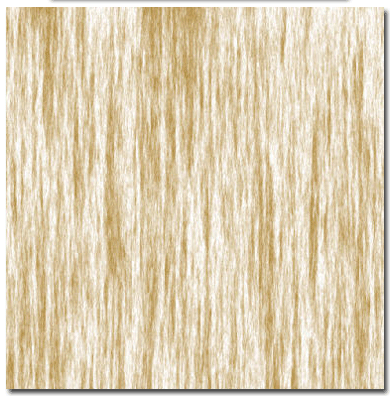
Now duplicate the layer and go to Filter > render > Fibers. I used Variance: 16, Strength:4 Your image should look like this:
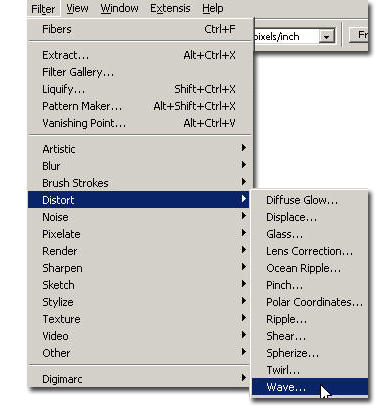
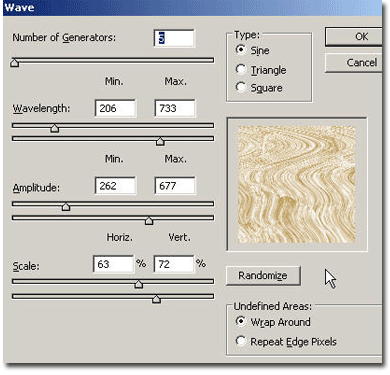
Now go to Filter > Distort > Wave and use these settings:
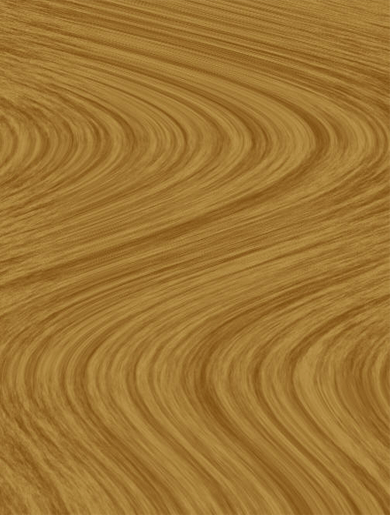
Put the duplicated layer on "multiply" mode. Your image should look like this:
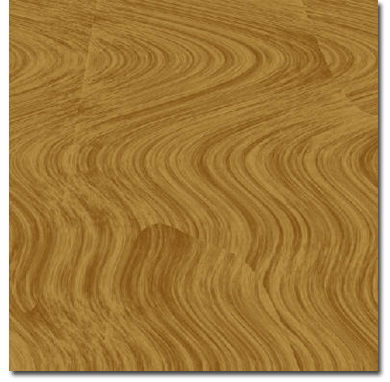
Now make a cut and keep this as a wooden texture. In the next tutorial we will use it.