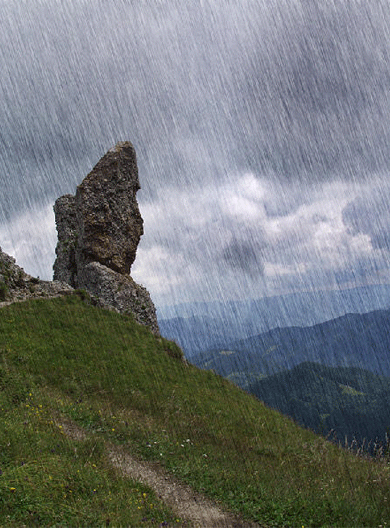
Open your image. Here is mine: (Note: try to have a photo that already have a rainy atmosphere...)
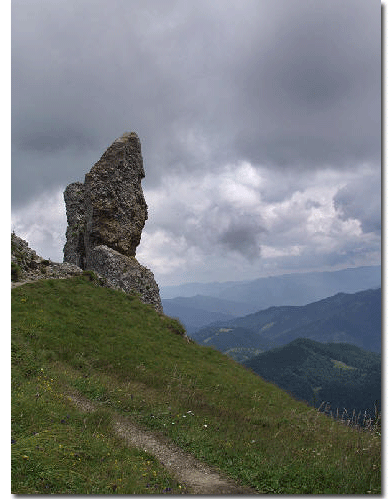
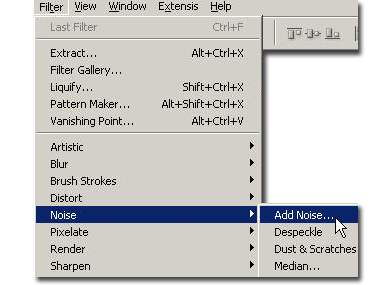
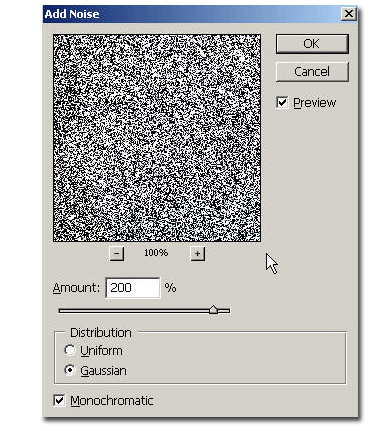
Now duplicate the layer and on the top layer, go to Filter > Noise > Add noise. Put 200% amount, gaussian, monochromatic.
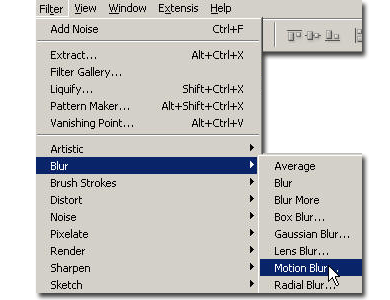
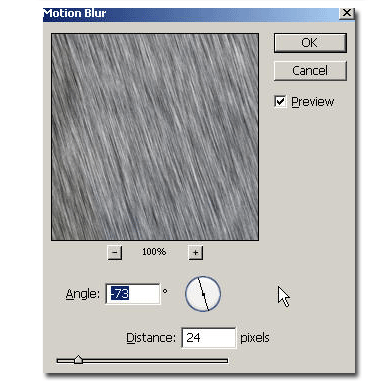
Now go to Filter > Blur > motion blur. Here are my values: Angle -73, Distance 24 pixels.
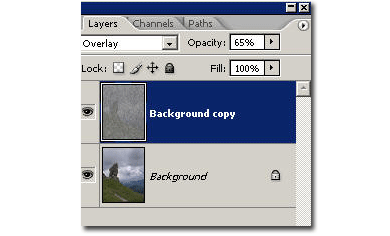
Now put the layer in overlay mode(on some image, you can use also screen or lighten modes) and drag the opacity slider until you like the effect.