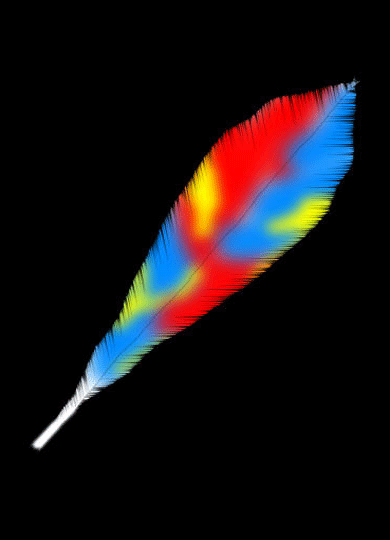
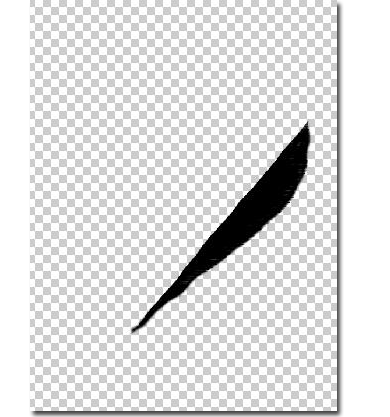
Make a new document, 1000x1000 pixels. Now, on a different layer that the background, make with the lasso tool a form like this:
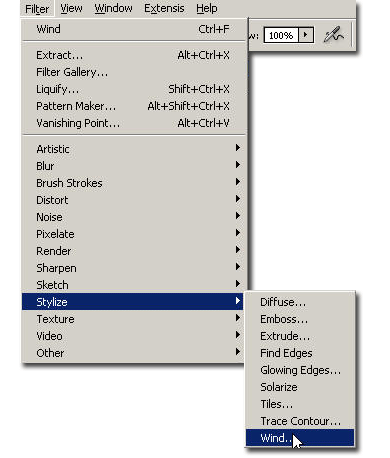
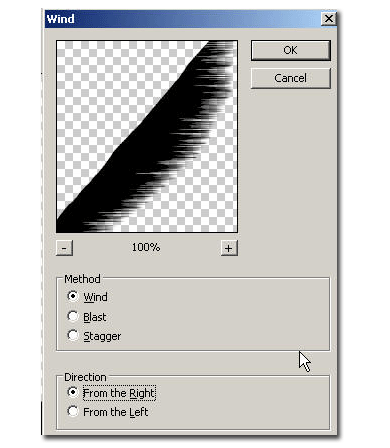
Now go to Filter > Stylize > Wind and apply it from the right.
Now duplicate the half feather layer and rotate it to match the other one, like this:
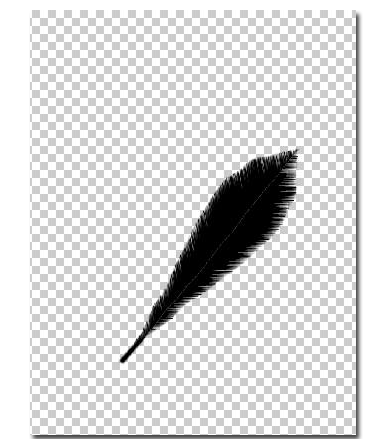
Now invert the two feather layers in order to make them white, then make the background black

Now make a new layer, grab the brush tool and paint with some colors over the feather, like in my example:
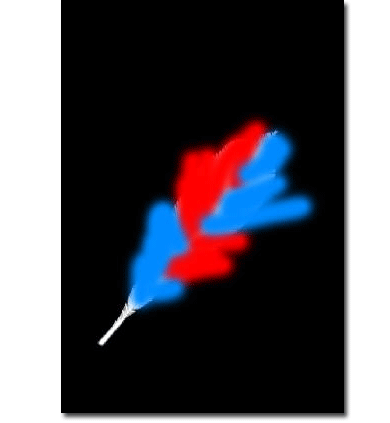
Now put the brushed layer in Multiply mode: You're done: