There are 2 modes we can create a polarized sky:
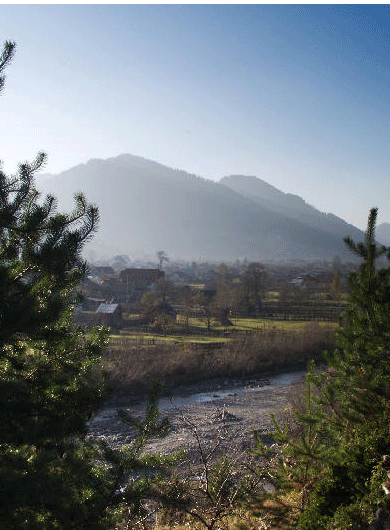
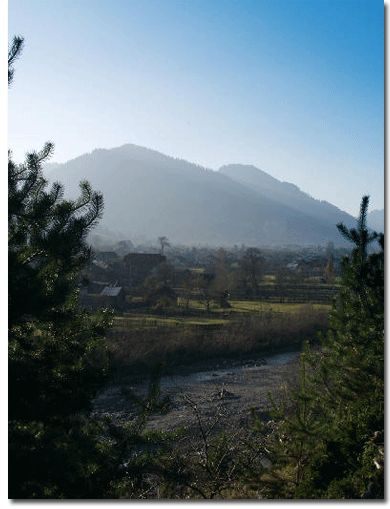
Open the image you want to apply the polarized sky. Here is mine: Observe that the sky is dull and it's not as great looking as I would like to.
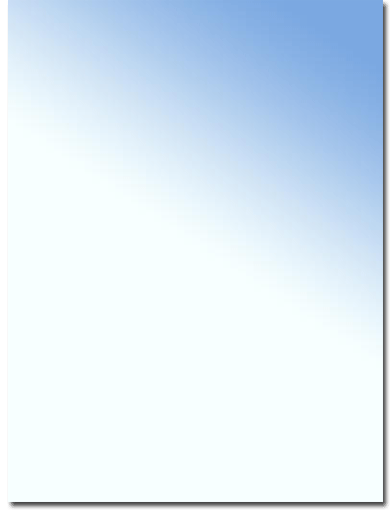
Create a new layer and apply on it a gradient from the most dark blue of the sky of your image (You can take it with color picker) to white. Your gradient should take the form of the sky; here is mine:
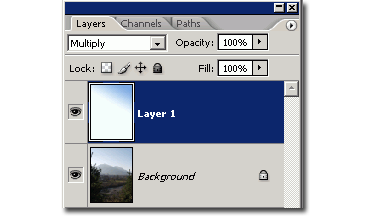
Now put the gradient layer multiply mode. This is your layers palette as it should be and the image. You're done.
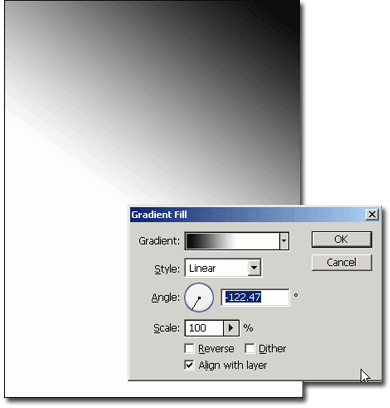
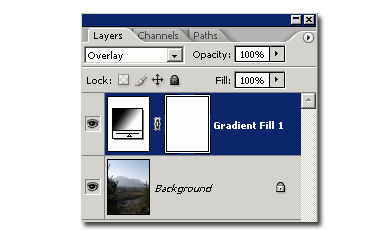
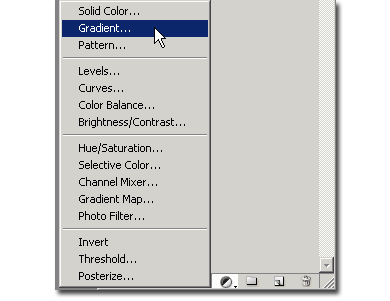
Now let's move to the second mode. Open the image again. Go to the bottom of the layers palette and choose "new Gradient layer".
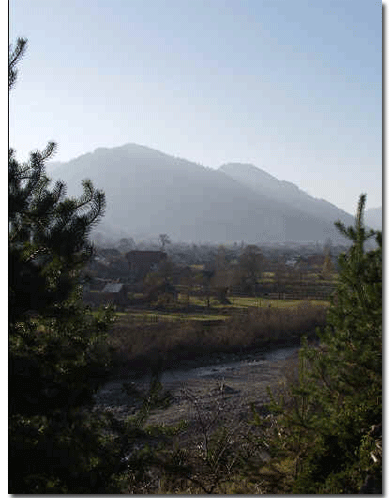
Make a gradient Black to white to suite your photo and put the gradient layer on "overlay mode". The greatest advantage of this method is that you can change anytime you want the gradient just but double clicking on the layer, without having to make again all the steps. Here is the final image: