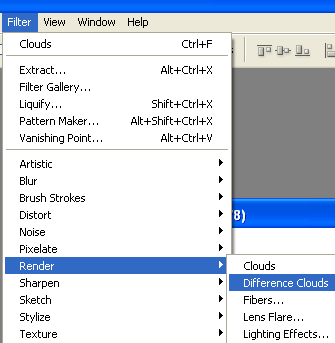
Start by opening a new file. Press D to set foreground and background colors to default B&W. From filter menu select render>>difference clouds.
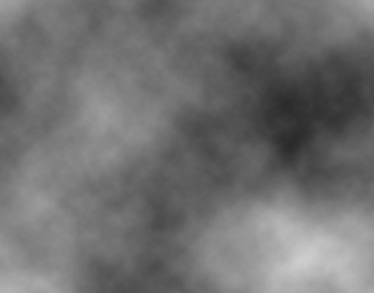
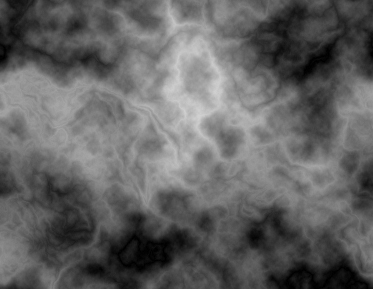
Duplicate the layer and press Ctrl+f to apply the effect again.
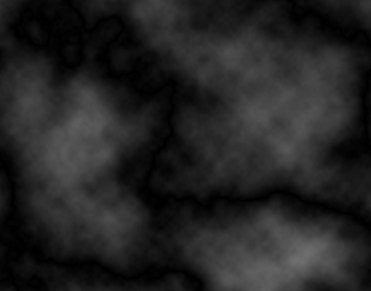
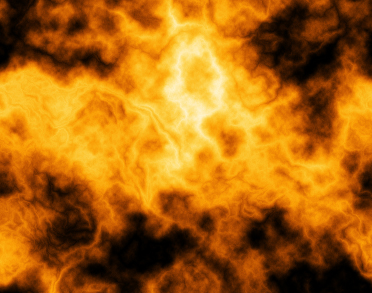
Press Ctrl+F to reapply the filter. Keep on pressing Ctrl+F till to you achieve this result.
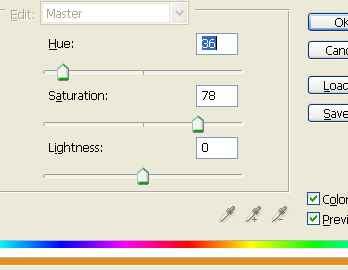
Press Ctrl+U to open hue/saturation window. Apply settings as shown.
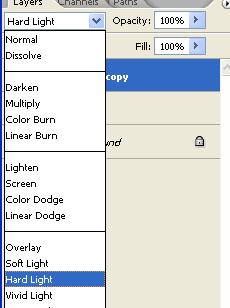
Duplicate this layer and change the color mode of this layer to hard light.