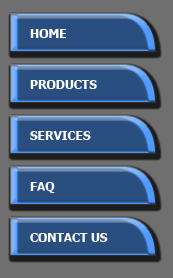
In this tutorial we'll create nice buttons for the web page.
Start by opening a new file. Using pen tool create a button shape.
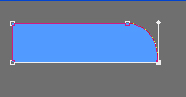

Double click the button layer to open layer style window. Apply drop shadow, bevel&emboss, satin and stroke. Use settings as shown.
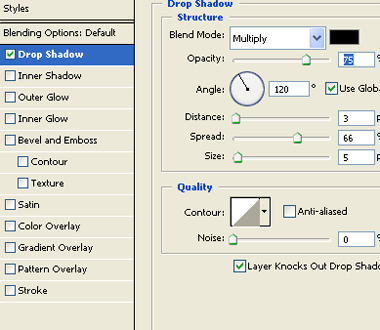
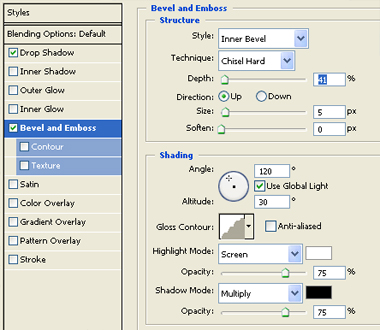
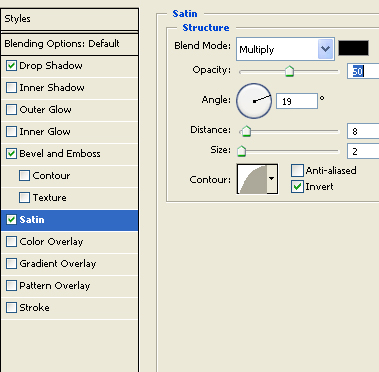
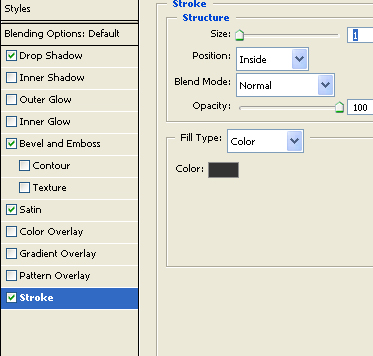
Applying these layer styles will give a 3d beveled look to the button.
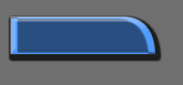
Duplicate this layer to create additional buttons.
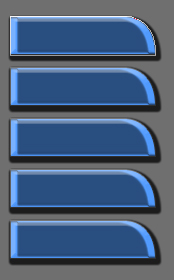
Type text on the buttons according to your linked pages.