


These days anybody and everybody need a website. And there are different ways of designing webpage layouts for different organizations. In this tutorial we're creating a web page template for an imaginary children's learning center. We'll keep it simple and colorful so that it appeals to children and young parents. Start by opening a new file. Keep width less than 800 pixels so that it can be viewed on an 800X600 screen size without any horizontal scrolling. We'll start with header design. Using pen tool create a rectangular shape that is rounded from top left.
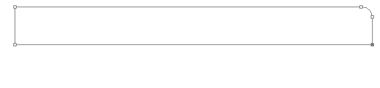
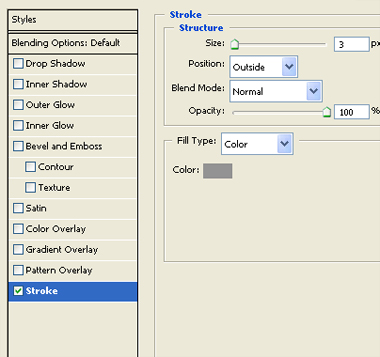
Double click the layer to open layer style window and enable stroke. Apply settings as shown.
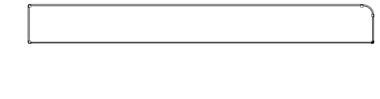
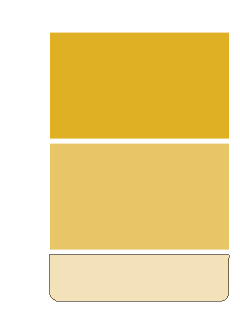
Using rectangular shape tool create a rectangle with some different color.
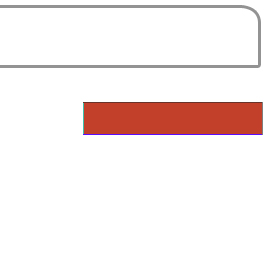
Create another rectangle. Place these rectangles to the right side of the page. It will serve as placeholder for keeping small snippets of info about the site.

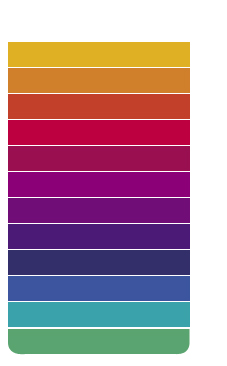
Create rectangles for buttons. We are taking different colors for every button. Place these buttons on the left side of the webpage.
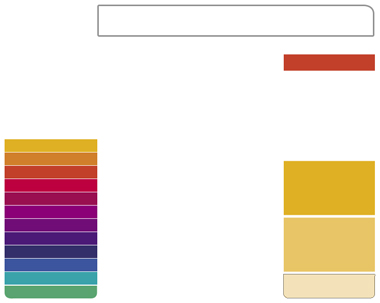
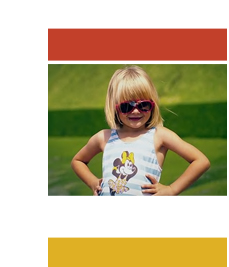
Add an image at the top of the buttons.
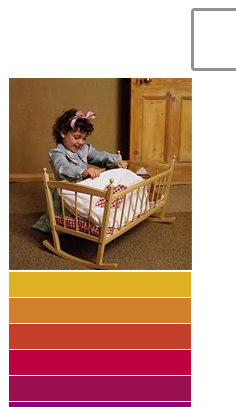
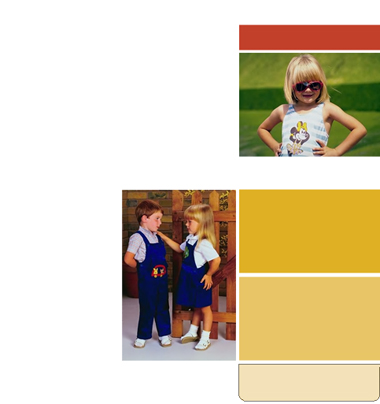
Add few more images, place one on top of the right panel.
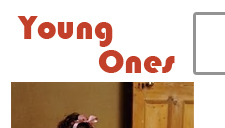
Add company logo at the top left of the page.
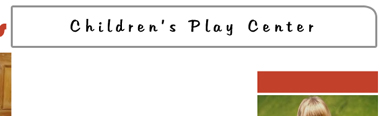
Type "Children's Play Center" in the header area. Use kids fonts for maximum impact
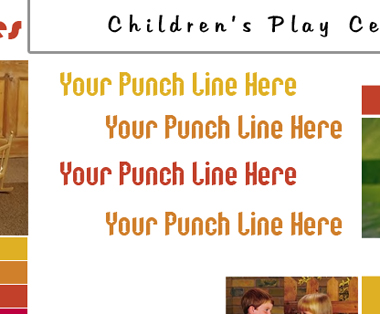
Type some cool lines in matching colors below the header.
Finally add other text details and some text links at the bottom of the page.
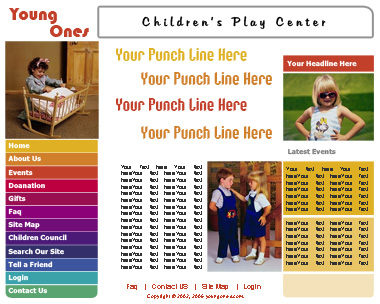
This completes a nice, colorful template for children's learning/play center. Don't forget to add copyright info at the bottom of the page.
