

This tutorial was written for the Flash Designer software, which allows you to create flash animations in a much easier way than by using Macromedia Flash. You may get Flash Designer here.

Normal

Over

Click
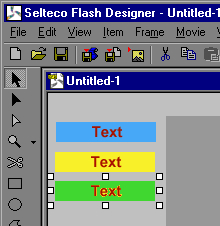
Load images ("File" > "Import Image") and put them outside visible area:
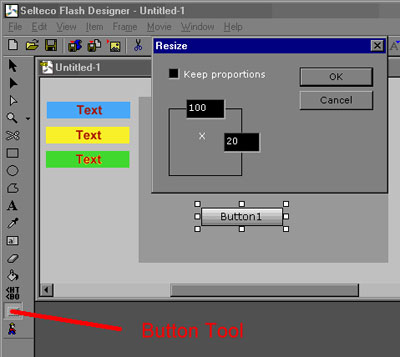
Draw a button using "Button Tool". Choose "Item" > "Resize" and enter 100 x 20 (the same as image size).
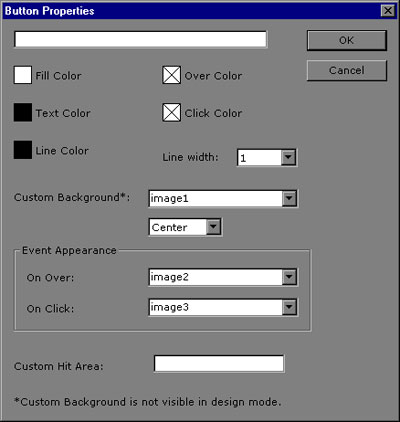
Choose "Item" > "Edit Properties" to open button dialog. Remove button text "Button1" and set normal, over and click appearance. Click OK.
Hit F9 to preview Flash file.
