Start by opening a new file. Fill the background layer with gray to white to gray gradient.

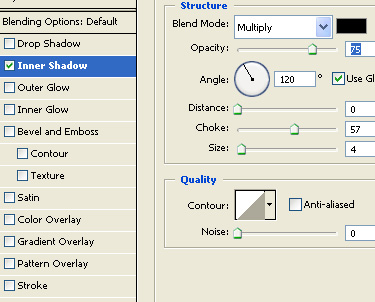
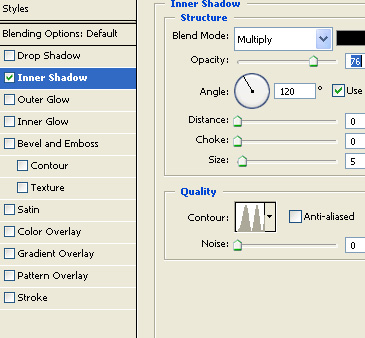
Double click to open layer style window, enable inner shadow. Use settings as shown. This will create boundaries of the header.
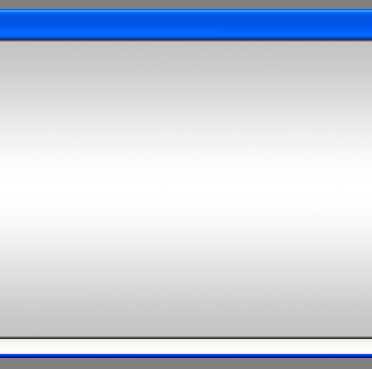
Using rectangular shape tool create a rectangle at the top of the page.

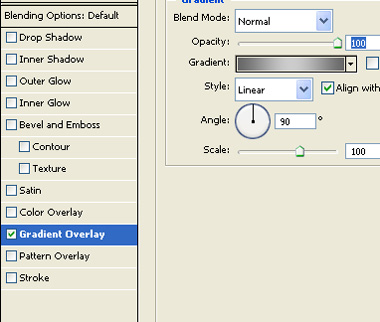
Double click layer to open layer style window and apply gradient overlay. Use dark gray to light gray to dark gray gradient.

Create a line using line tool.

Similarly create a bottom bar and middle bar.


Using custom shape tool create a arrow and duplicate the layer.

Create a rectangle over top rectangle bar and type search.

Create a small line using line tool over bottom bar.
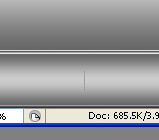
Double click to open layer style window and apply inner shadow. Use inner shadow settings as shown.
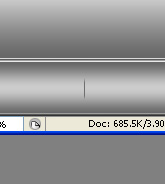
Duplicate the layer.

Type your links.

Create a new file. Using custom shape tool create tile 4 shape.
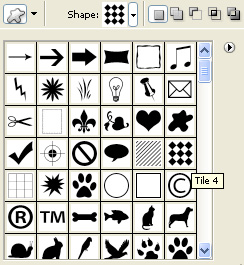

From edit menu select define pattern.
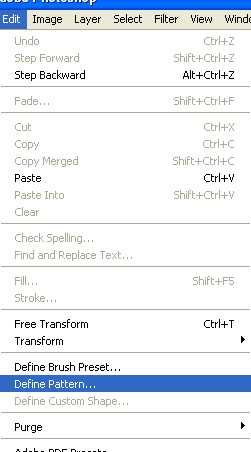
Type the name of the pattern.
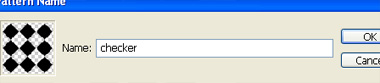
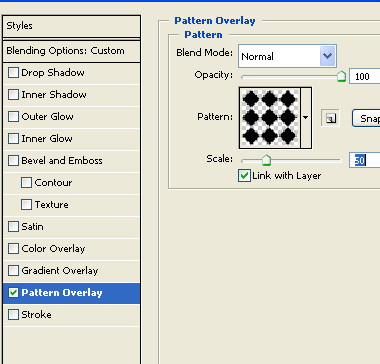
In the main file duplicate the middle bar layer and apply pattern overlay. From the pattern window select checker pattern.
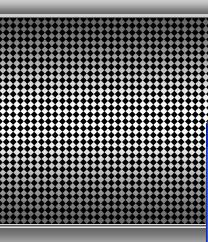
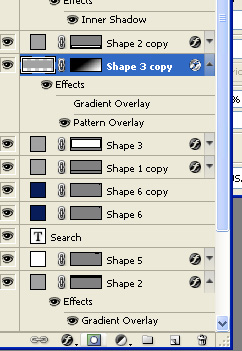
Enable layer mask and drag a gradient to mask the pattern layer.
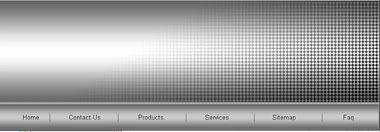
Finally place your logo.