


Step 1
Create a new Document, 88 x 31 pixels, with background you choice!!
Step 2
Select the Marque tool, and drag it accross the whole image , and create new layer, then fill layer, and then go to layer > layer style > stroke, make it 1px, and black.
Step 3
Go to filter > render > clouds. Then filter > render > difference clouds
Step 4
Go to Plastic wrap and choose your settings!
Step 5
Go to Filter > Sketch > Chrome. And use the following settings as below:
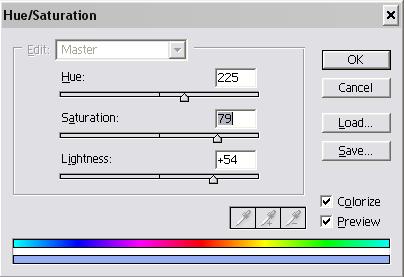
Then duplicate the laer and set it to overlay. And you are done!! Add some text, and you should get something like this below!

